Smartphone-first
No photo studio needed. Capture directly with your smartphone — angle and distance are automatically locked.
PHOTO DOCUMENTATION
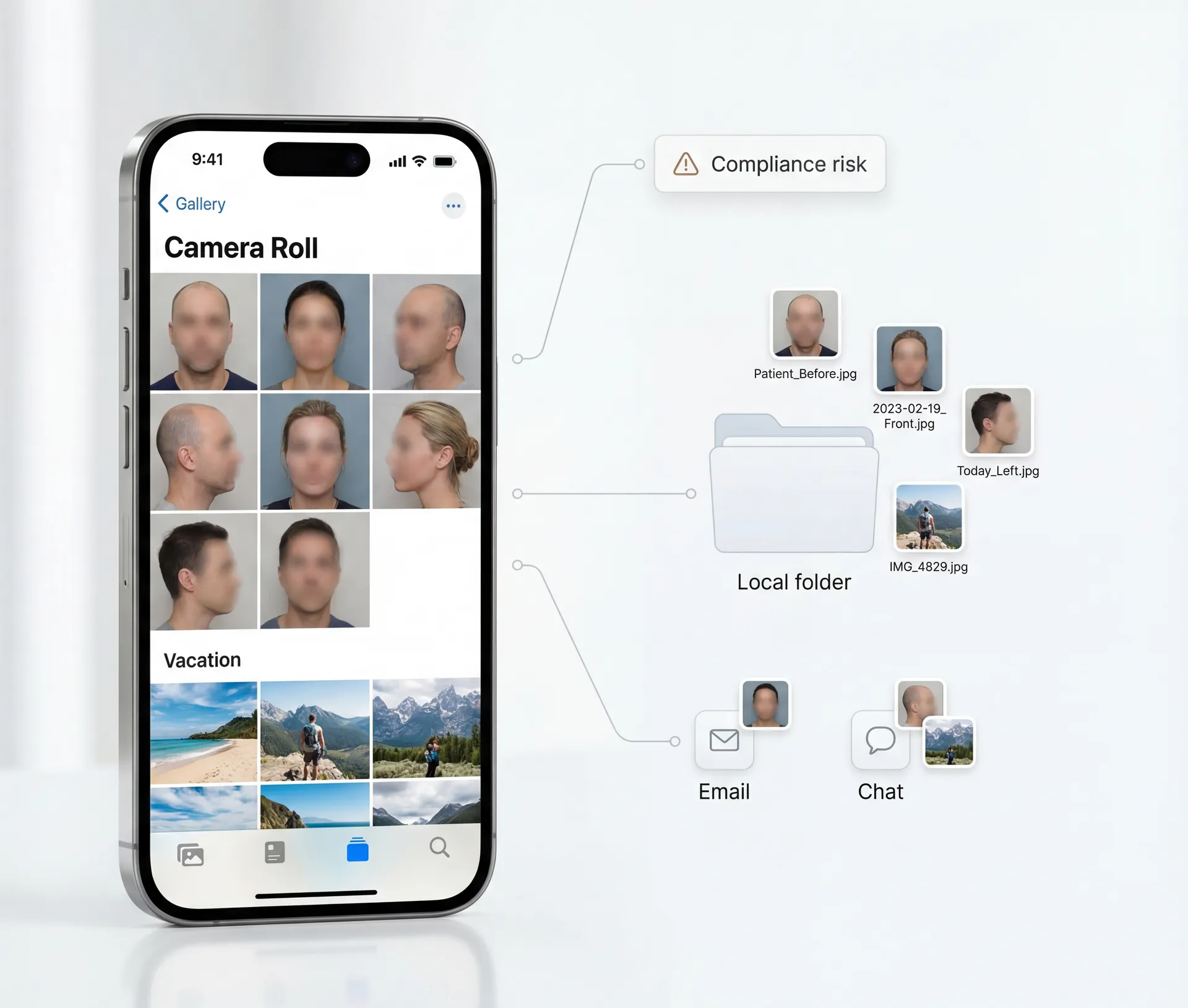
Capture consistently. Upload automatically. Designed for GDPR & Swiss FADP workflows.
Supported by & Featured in



How it works
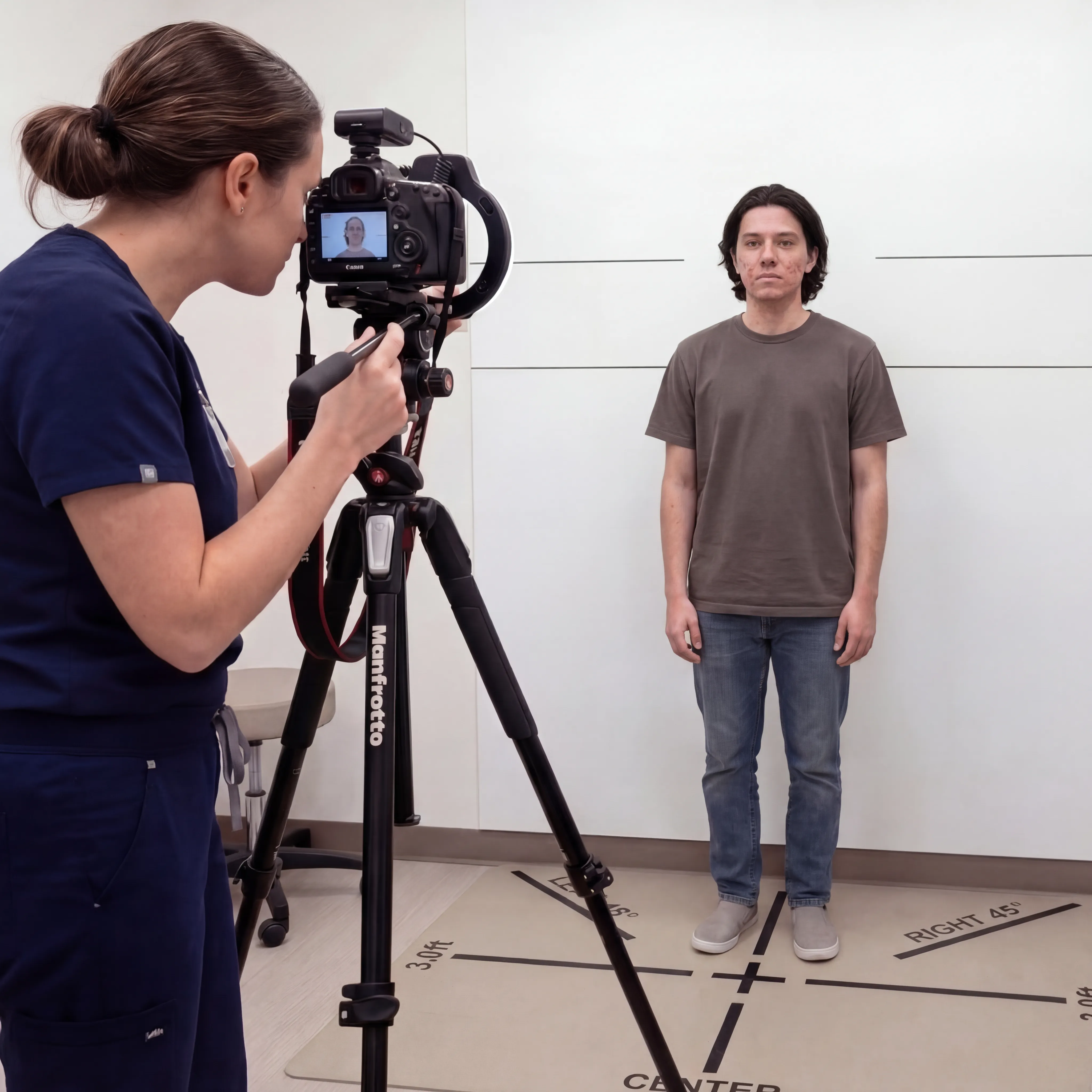
Distance, angle, lighting — all manual
No follow-up visit, no outcome image
Marketing without images? Hard to do
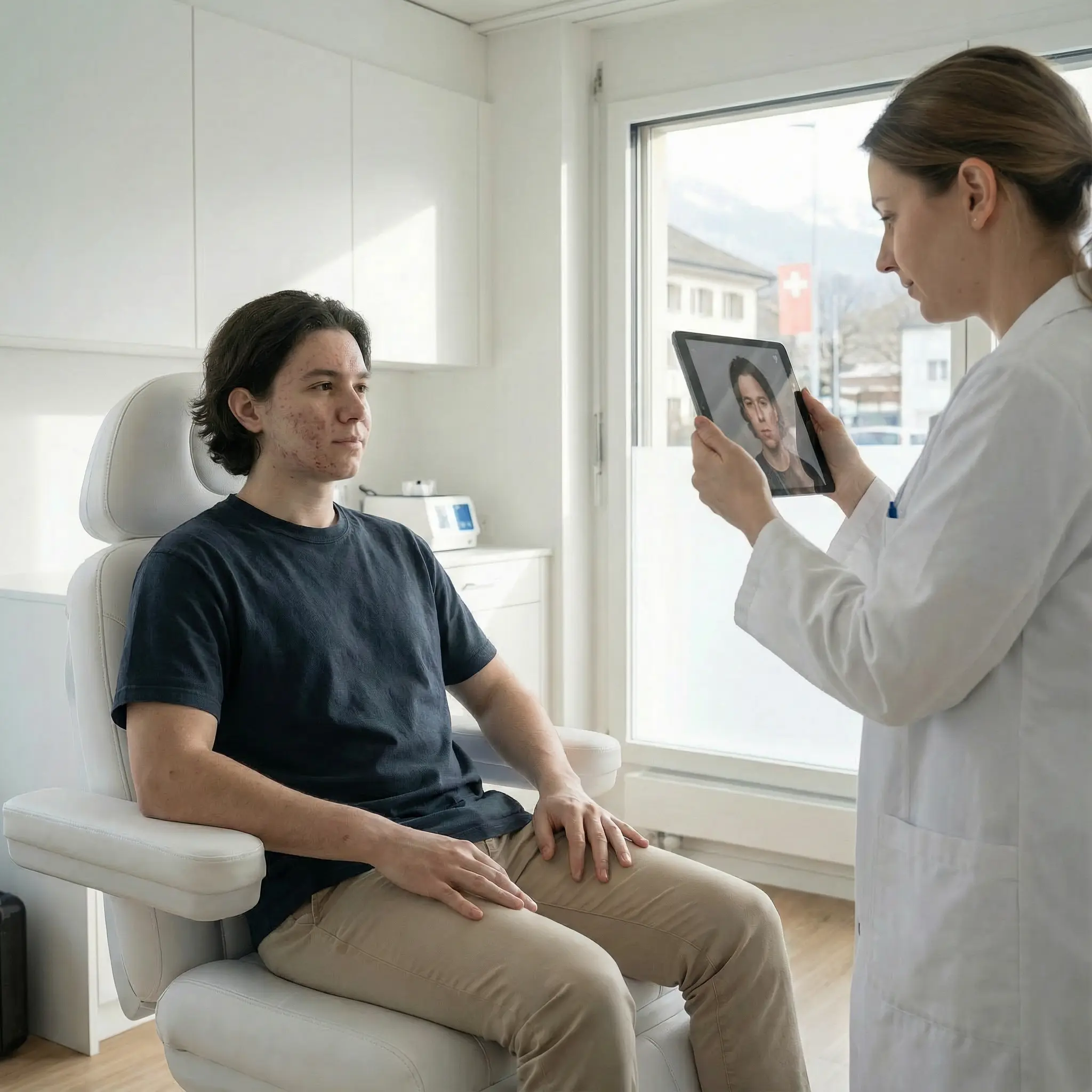
Consistent capture — automatically
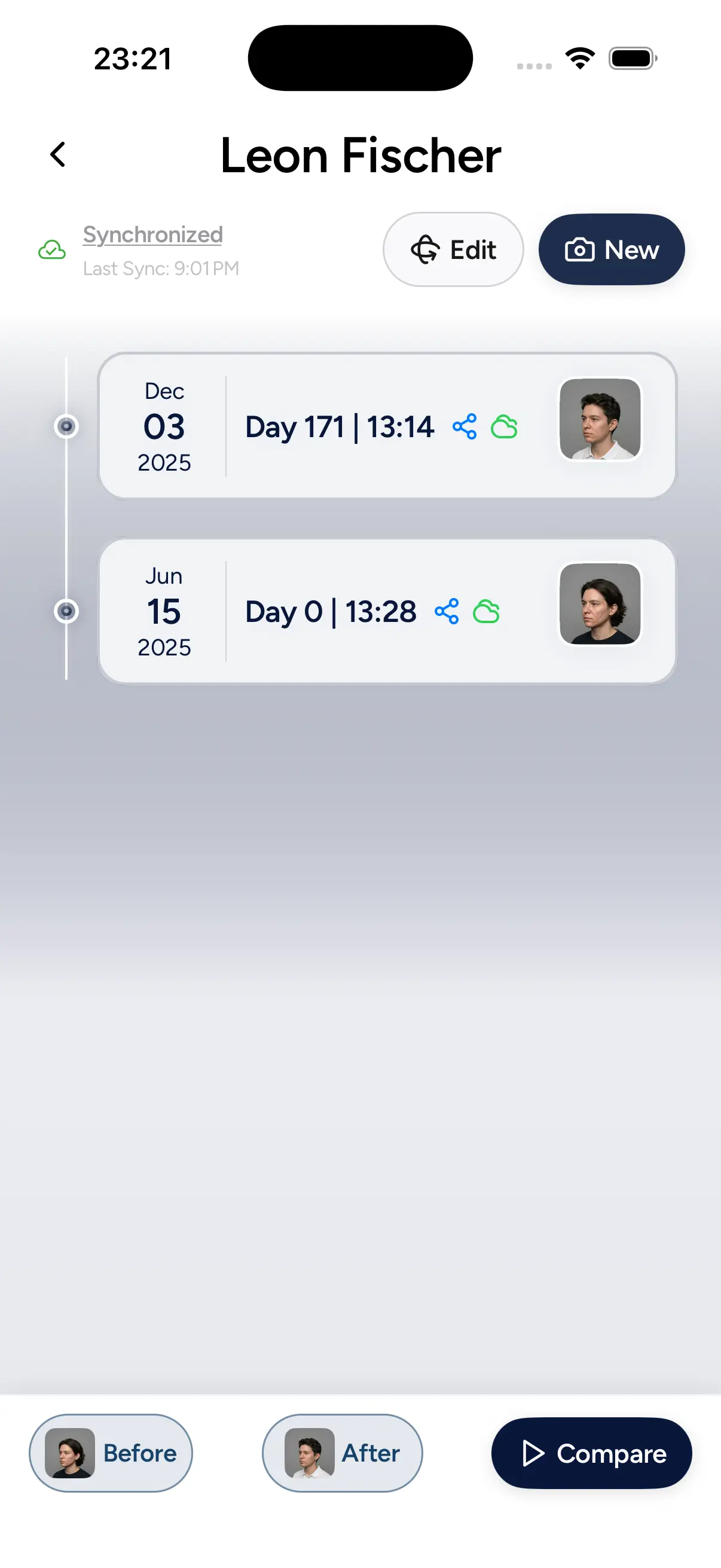
Documentation via evooia app
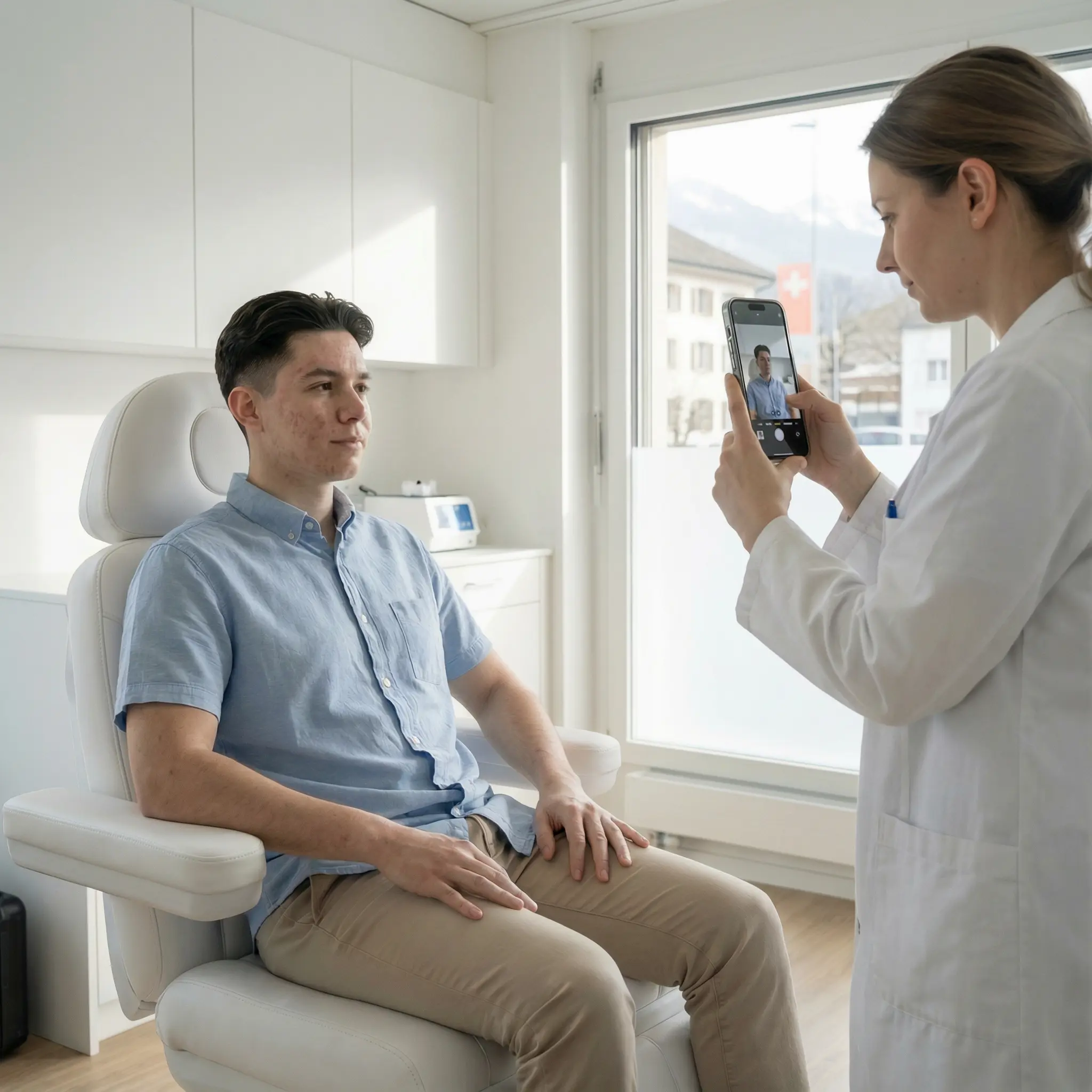
In Clinic
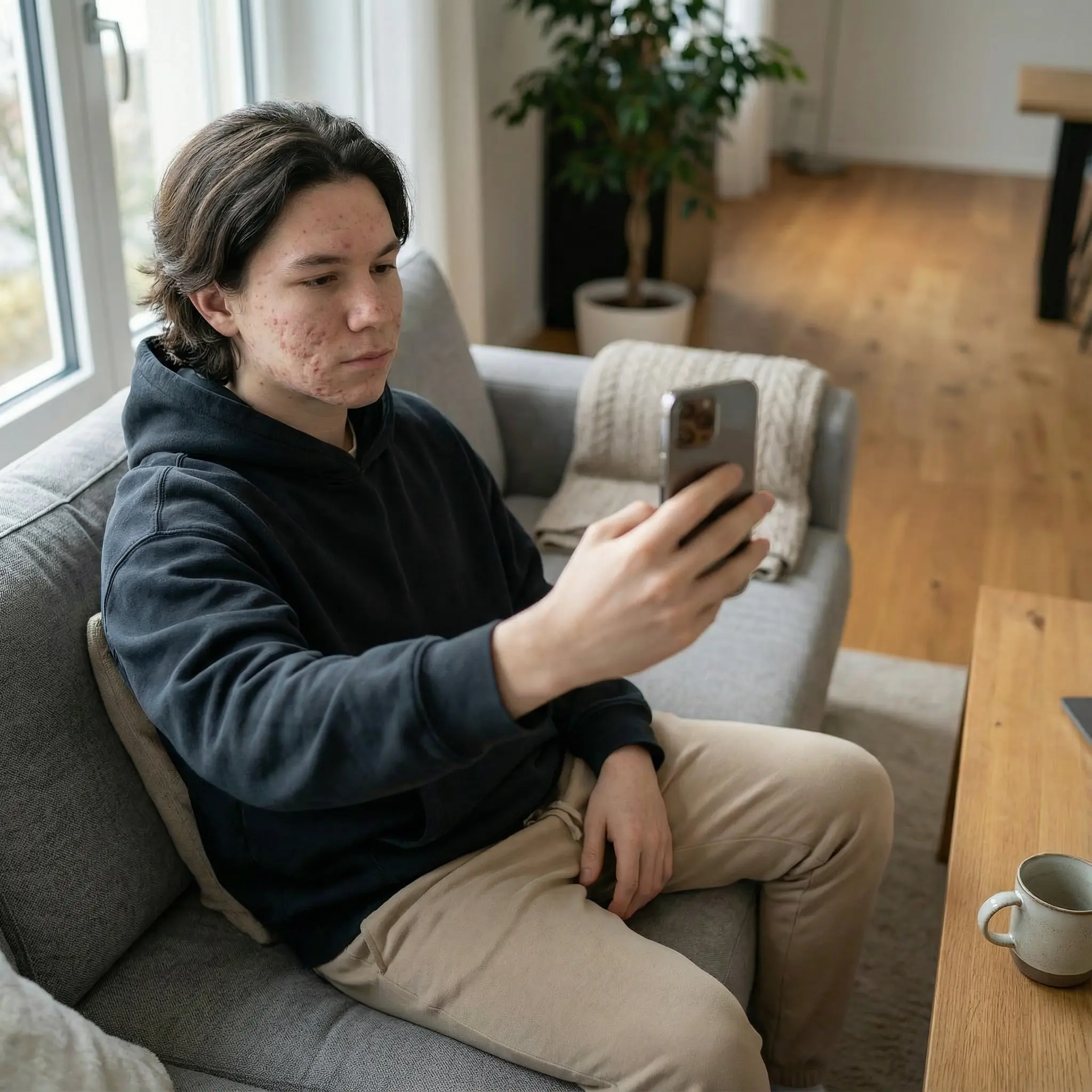
At Home
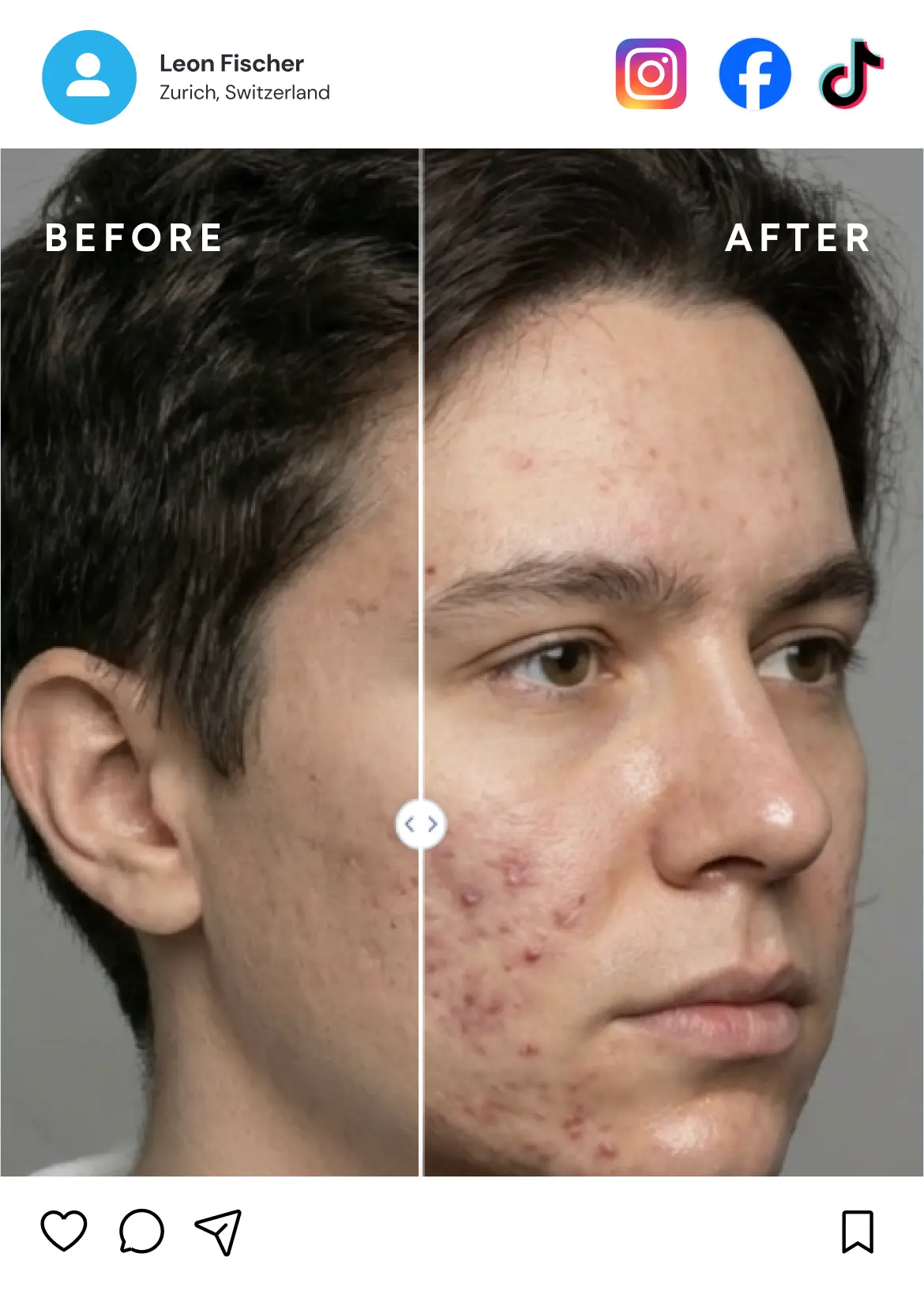
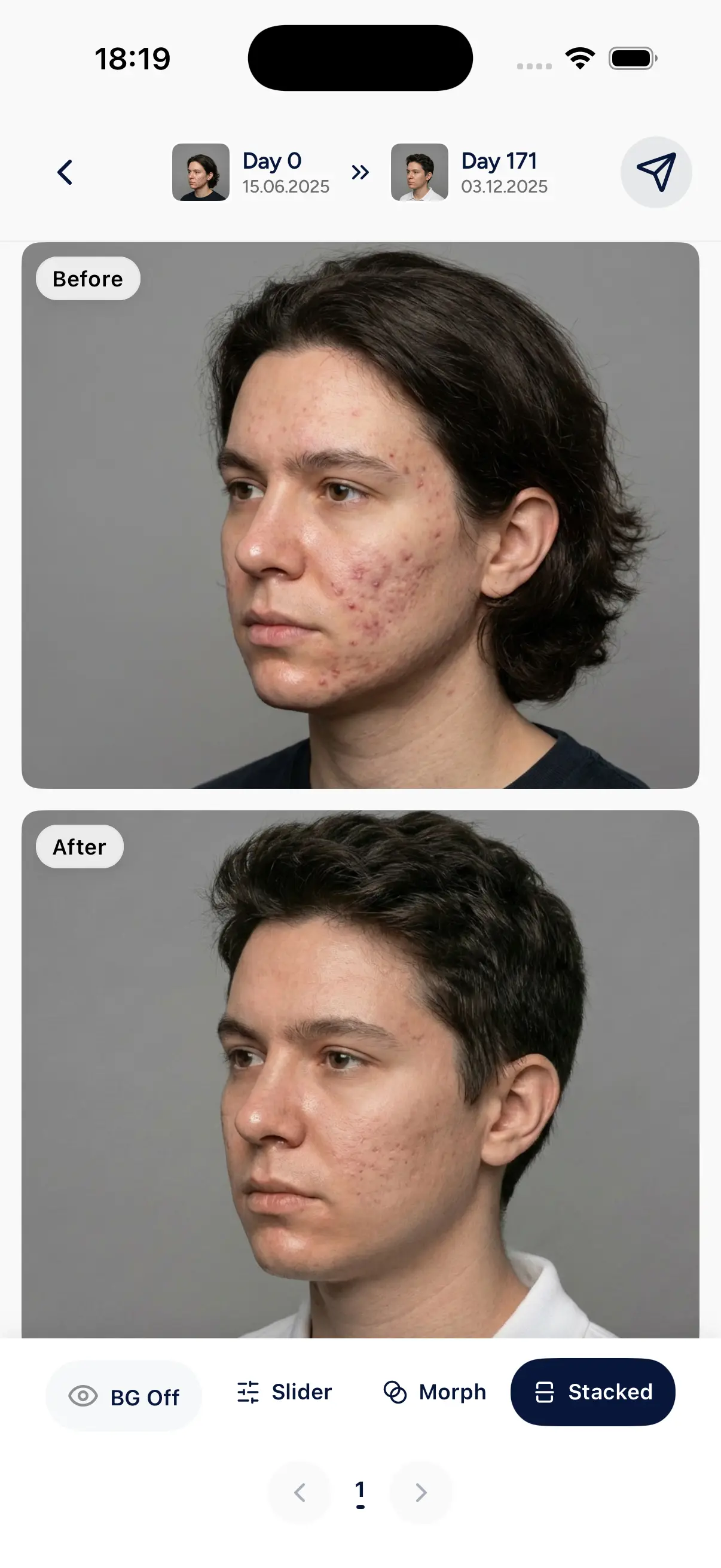
With patient consent, shareable in one click
FULLY CONNECTED
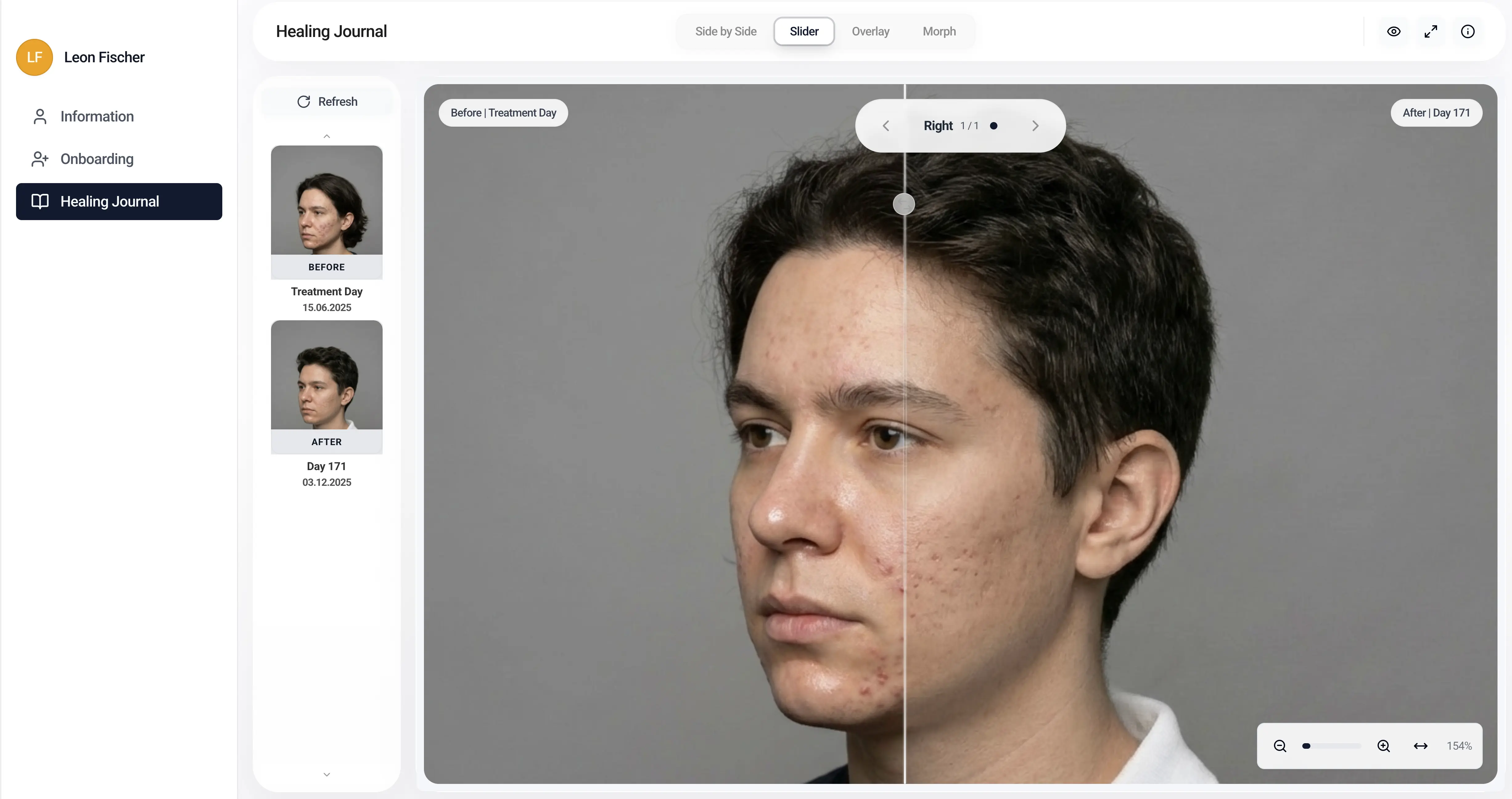
Doctor or patient — every photo syncs automatically, made perfectly comparable with previous shots, and is available GDPR & Swiss FADP compliant across web and mobile for the clinic.
FEATURES & BENEFITS
No photo studio needed. Capture directly with your smartphone — angle and distance are automatically locked.
Every photo is automatically aligned so before-and-after images are pixel-perfect comparable.
From capture to export. No more WhatsApp, Instagram DMs, or email attachments.
Patients capture after photos from home — no extra visits just for a photo.
Structured before and after images keep documentation clear and reduce misunderstandings.
Standardized protocols for all locations. Configure once, document consistently everywhere.
No photo studio needed. Capture directly with your smartphone — angle and distance are automatically locked.
Every photo is automatically aligned so before-and-after images are pixel-perfect comparable.
From capture to export. No more WhatsApp, Instagram DMs, or email attachments.
Patients capture after photos from home — no extra visits just for a photo.
Structured before and after images keep documentation clear and reduce misunderstandings.
Standardized protocols for all locations. Configure once, document consistently everywhere.
COMPARISON
| Capability | Traditional Method | evooia |
|---|---|---|
| No clinic visit required for photos | ||
| Patient empowerment | Low | High |
| Time per photo session | 15-30 min | 2 min |
| Visually consistent alignment | Manual | Automatic |
| Automated comparison slider | ||
| Social media ready posts | ||
| GDPR & Swiss FADP compliant secure storage | Manual | Automatic |
evooia at a glance
GET STARTED
15-minute walkthrough. No commitment. See the value for your clinic.
Plus, get our free Photo Documentation Guide:
 evooia