CLINICAL PHOTOGRAPHY GUIDE
Your before-and-after photos change between sessions.
The treatment didn't.
Lighting, distance, angle and framing: four core variables that must match from shot to shot, plus background and smartphone processing. This guide shows what you can control and what evooia automates.
SETUP AUDIT
Is your clinical photography setup reliable?
Answer 6 quick questions to find out if your before-and-after photos would hold up under scrutiny.
Do you use consistent, diffused lighting (5000–5500K) for every photo?
Do you control the input variables that affect your smartphone's computational photography (lighting, distance, angle)?
Do you control the camera-to-patient distance to within a few centimetres?
Can you reproduce the exact camera angle and patient position between sessions?
Is the background identical in every before-and-after pair?
Would a different staff member produce the same photo quality with your current process?
THE HIDDEN PROBLEM
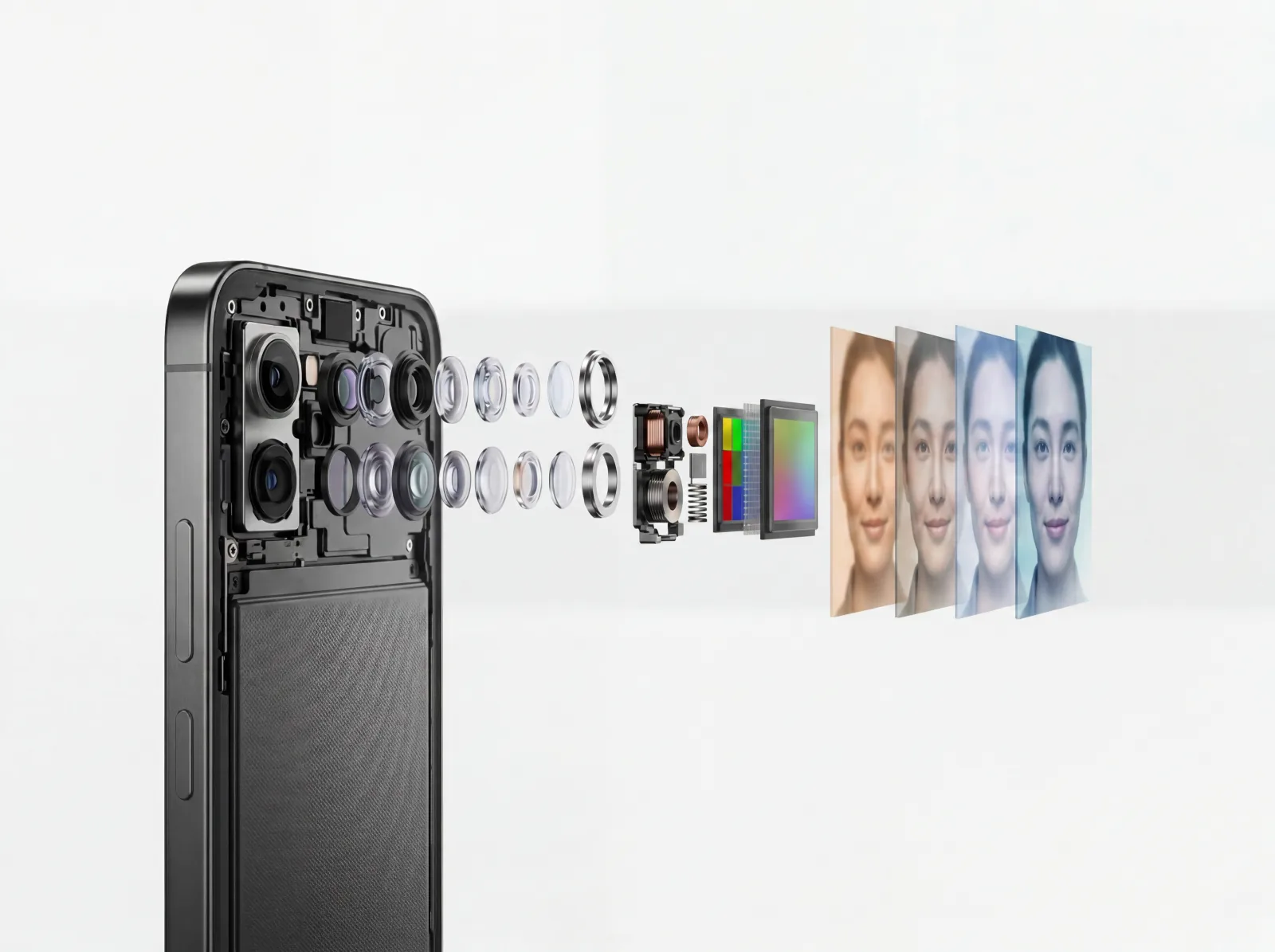
Your smartphone processes every photo differently, but evooia controls what it sees
Every modern smartphone applies computational photography: HDR, tone mapping, noise reduction, AI scene optimisation. Some Android devices add skin smoothing on top. These algorithms react to ambient light and sensor conditions. Two photos of the same patient can look different even when nothing changed.
While not every part of this processing can be disabled, evooia keeps them consistent from image to image. It checks ambient lighting, then guides distance, angle, and framing so the camera's processing pipeline produces the same output every time. What changes between photos is the patient, not the processing.
You can't turn off computational photography. But if lighting, distance, angle, and framing are identical, it produces a consistent result. evooia guides you there.
LIGHTING
Why lighting is the single most important variable
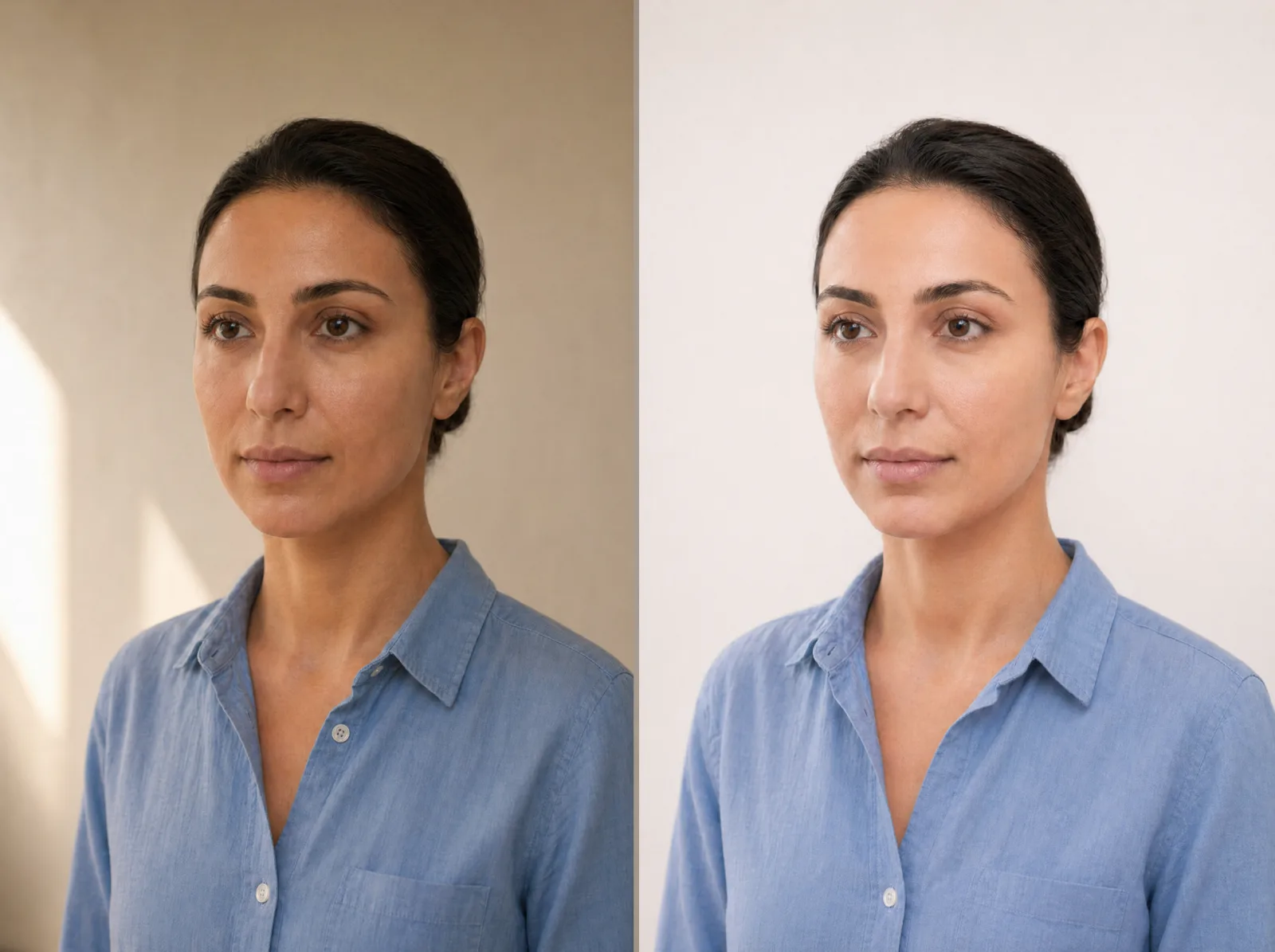
Inconsistent lighting is the #1 reason before-and-after photos fail clinical scrutiny. A photo near a window in the morning looks entirely different from one under fluorescents in the evening, even if the patient hasn't changed at all.
The clinical standard is diffuse, neutral-white light (5000–5500K) from a consistent direction. The biggest variable is ambient light: daylight changes by the hour, overhead fixtures differ between rooms, and mixed sources shift colour temperature unpredictably. That is why images should be captured in a darkened room with a ring light or front-facing LED panel providing the main illumination. This creates a controlled, repeatable light source.
evooia checks ambient lighting before every capture and alerts you if conditions don't match the original photo. Pair it with a ring light or front-facing LED for fully controlled, repeatable results. evooia Light, an optional capture light designed for the app, is in development. Explore evooia Light
DEVICE SELECTION
Smartphone or tablet: which device is best?
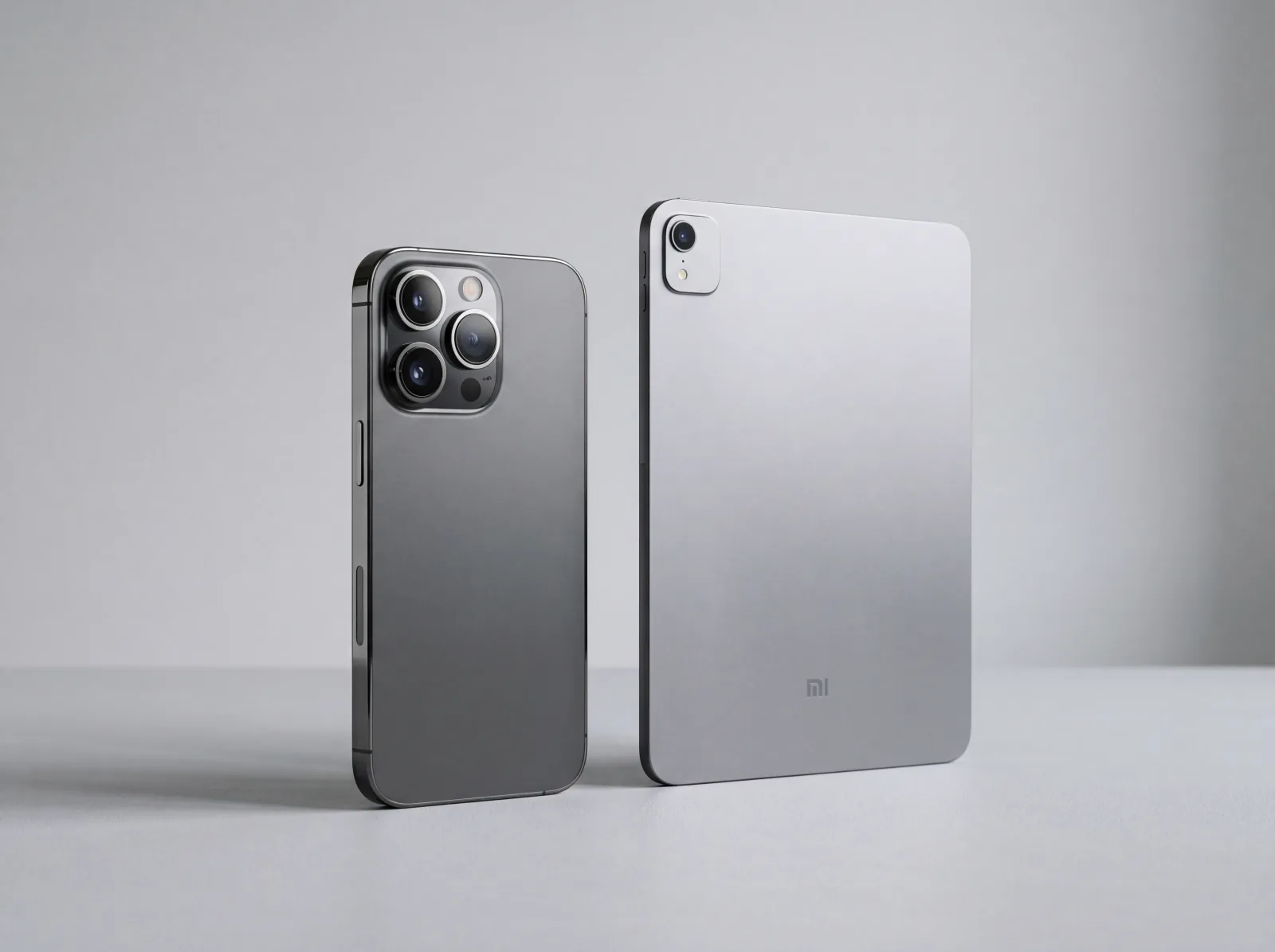
You don't need a DSLR. But not all mobile devices are equal. Smartphones have significantly better cameras than tablets: larger sensors, faster autofocus, multi-lens systems, and more advanced computational photography. Tablets use smaller, simpler camera modules designed for video calls, not clinical capture.
Use a smartphone for every clinical photo. Tablets are fine for reviewing images or running the evooia workflow on screen, but the capture itself should always come from a smartphone camera.
evooia works on any modern iOS device with the same guided overlay, same parameter control, same result regardless of model. Android support is on the roadmap.
DISTANCE & FRAMING
Why camera-to-patient distance must be identical every time
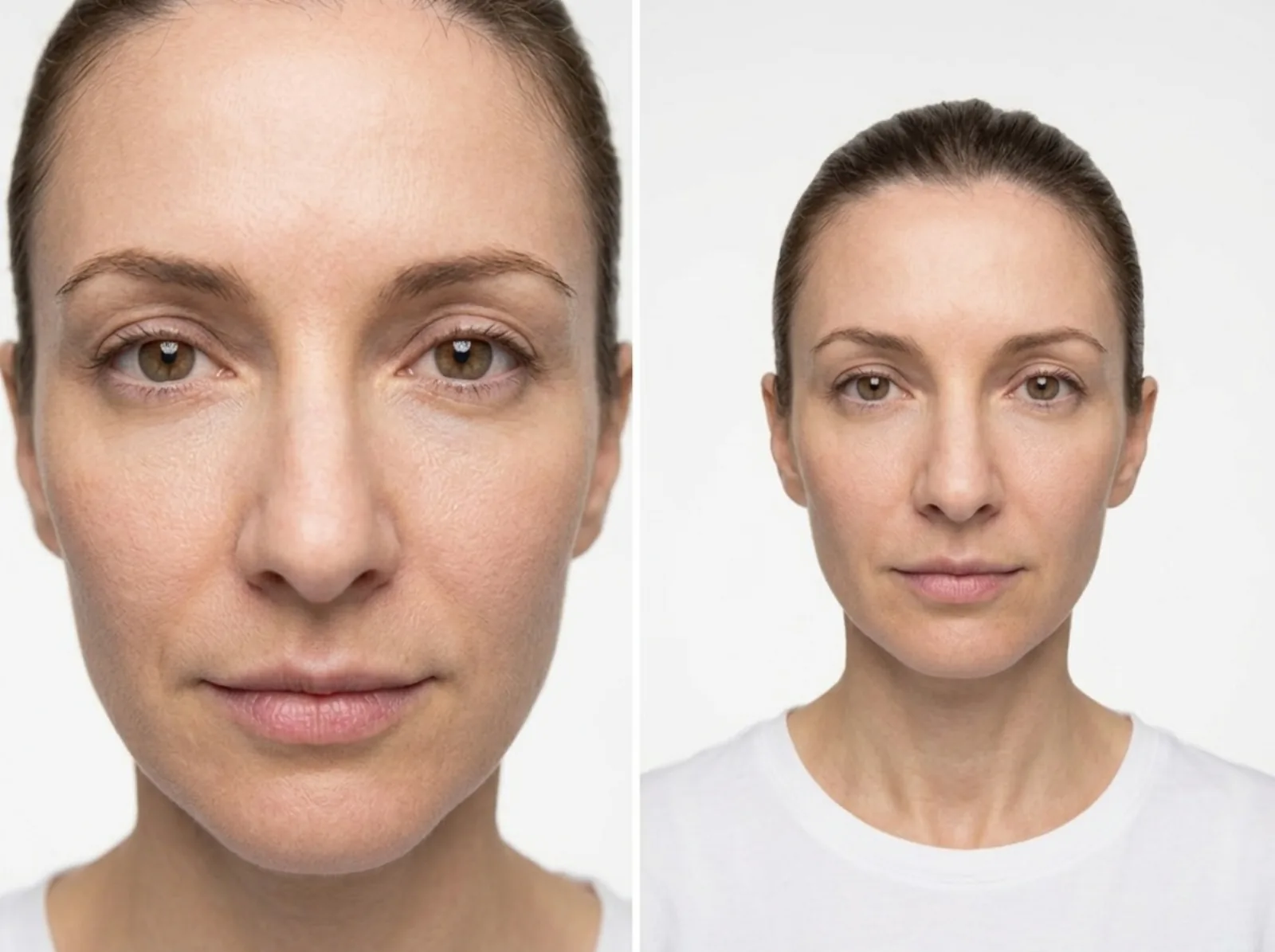
Even a 10 cm difference changes apparent feature size and perspective distortion. A nose photographed from 30 cm looks proportionally larger than from 60 cm, enough to make treatment results appear worse than they are.
Manual consistency is extremely difficult. Tape marks on the floor don't account for patient height or seating differences. Framing that shifts between hairline-to-chin and eyebrow-crop makes photos incomparable.
evooia auto-detects distance and generates a positioning overlay from the original capture. The image is captured automatically when alignment is correct.
ANGLE & POSITIONING
Small angle changes create large visual differences
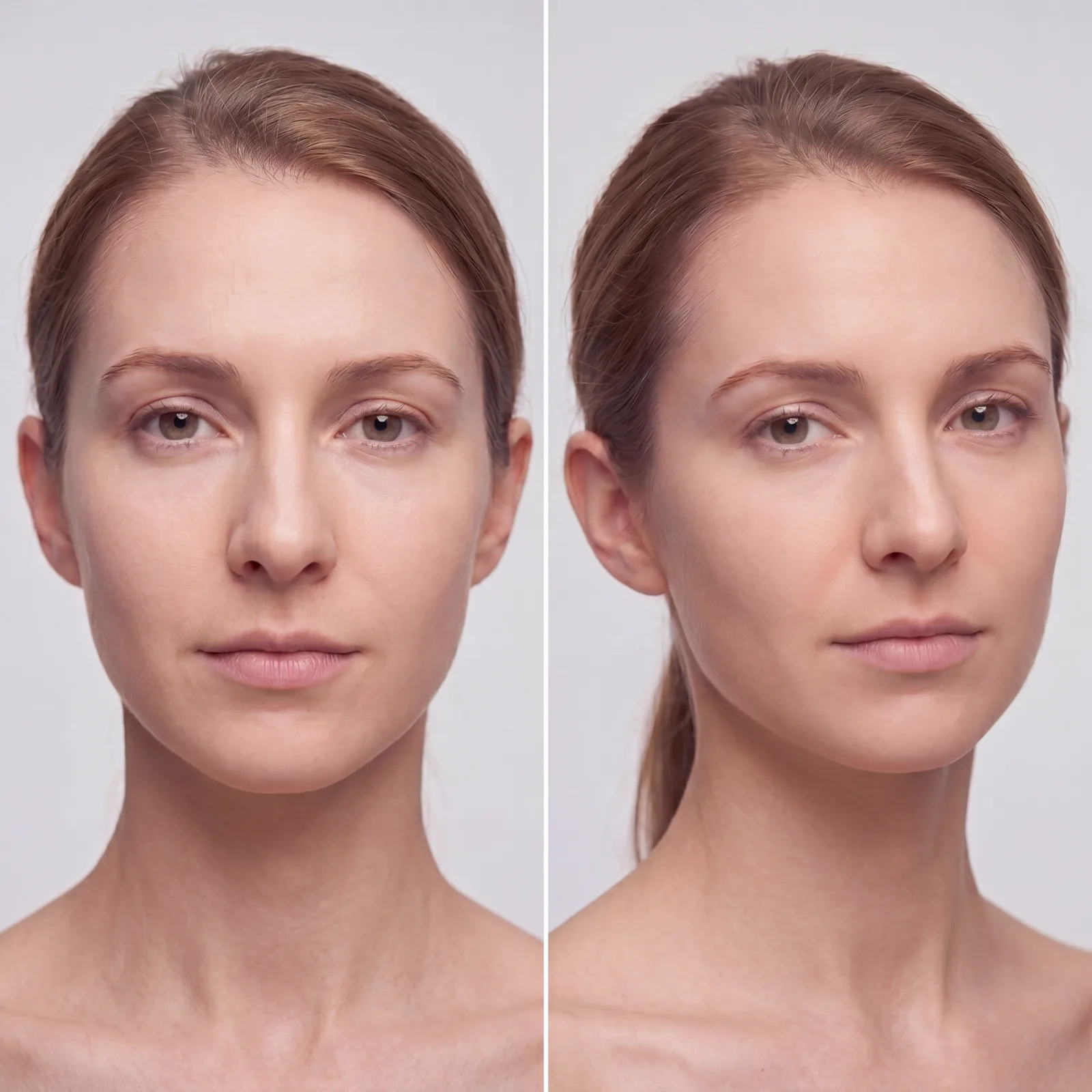
A 5° tilt changes how light falls across the face, how shadows define the jawline, and how symmetrical features appear. In aesthetic medicine, where outcomes are measured in millimetres, this makes photos unreliable.
The problem compounds with multi-angle documentation. A slight rotation between sessions can make filler results appear uneven when the actual outcome is perfectly symmetric.
evooia measures the head orientation and guides you in real-time to match the original image, then triggers automatic capture. So results depend far less on who takes the photo.
BACKGROUND & ENVIRONMENT
Background consistency without manual editing
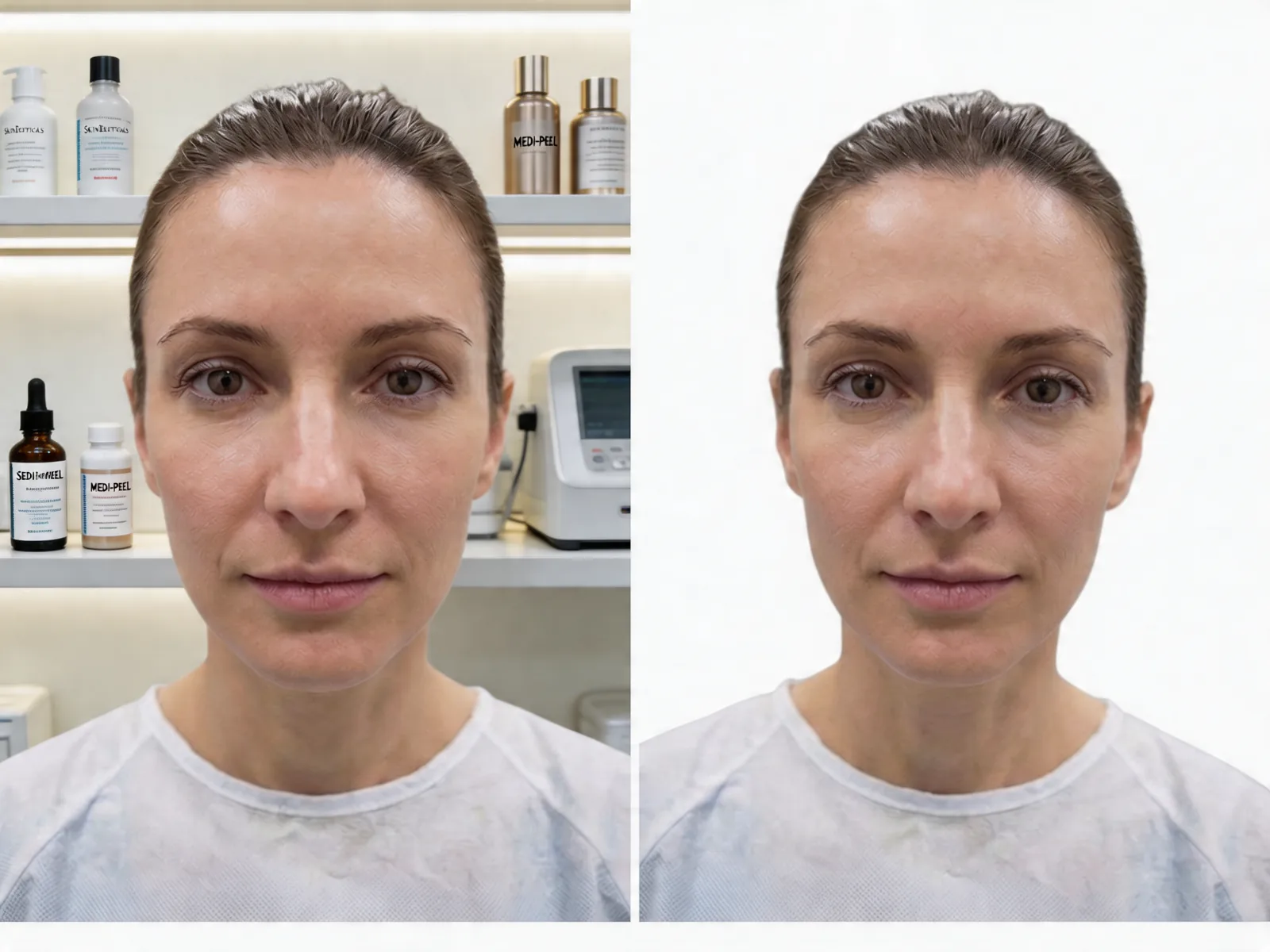
Cluttered backgrounds, visible equipment, and different rooms between sessions distract from treatment results and make comparisons look unprofessional. But editing backgrounds manually after every session doesn't scale.
Dedicated photo rooms solve the visual problem but create a scheduling bottleneck. And even a 'clean wall' isn't truly consistent: paint colour and lighting reflections shift skin tones between rooms.
Automatic background removal during capture. The subject is isolated against a uniform backdrop, whether taken in a consultation room, hallway, or at the patient's home.
THE REAL CHALLENGE
Doing all of this manually, every time, is impossible. evooia makes it a process.
Controlling lighting, managing processing, matching distance, reproducing angle, ensuring a clean background for every patient, every session, across multiple staff and locations. That is not sustainable without software.
Even the best-documented manual process fails at scale. Staff turnover, busy schedules, and human variability guarantee drift. evooia automates the technical parameters so clinicians focus on the patient.
Lighting, distance, angle, and framing controlled in a single guided capture flow. Computational photography managed. Background removed. Setup in under 5 minutes.
At a glance
Frequently asked questions
Do smartphones automatically apply beauty filters to clinical photos?+
What is the best lighting for clinical before-and-after photos?+
Which smartphone is best for medical photography?+
Can I use an Android phone for clinical before-and-after photos?+
Is an iPhone enough for clinical photography?+
How do I control smartphone processing for medical photos?+
How far should the camera be from the patient for before-and-after photos?+
What background should I use for clinical photography?+
Why do my before-and-after photos look different every time?+
How does evooia keep photos consistent without special equipment?+
NEXT STEP
See how evooia standardises clinical photography
In a 20-minute live demo, experience the guided smartphone capture and see how every parameter is controlled automatically.