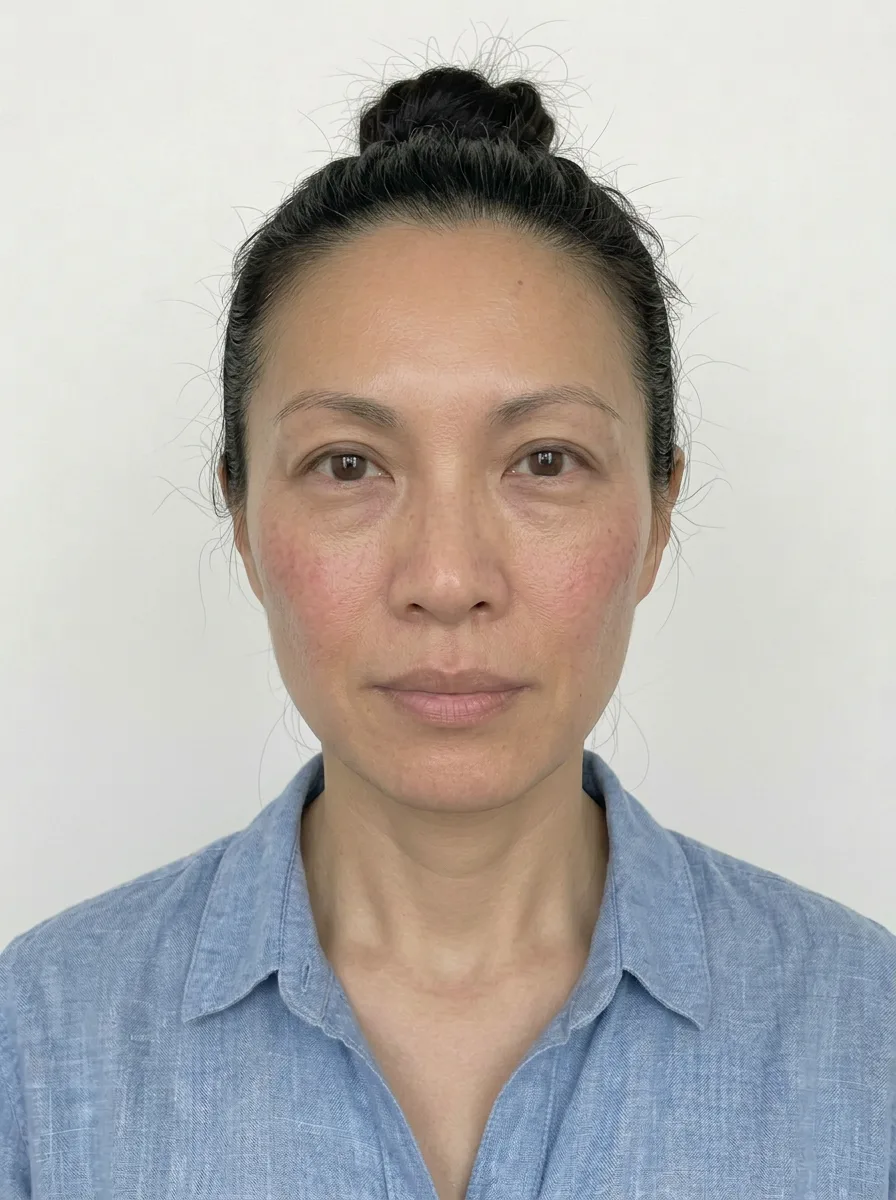
Botulinum toxin
Expression lines, at rest and in motion.
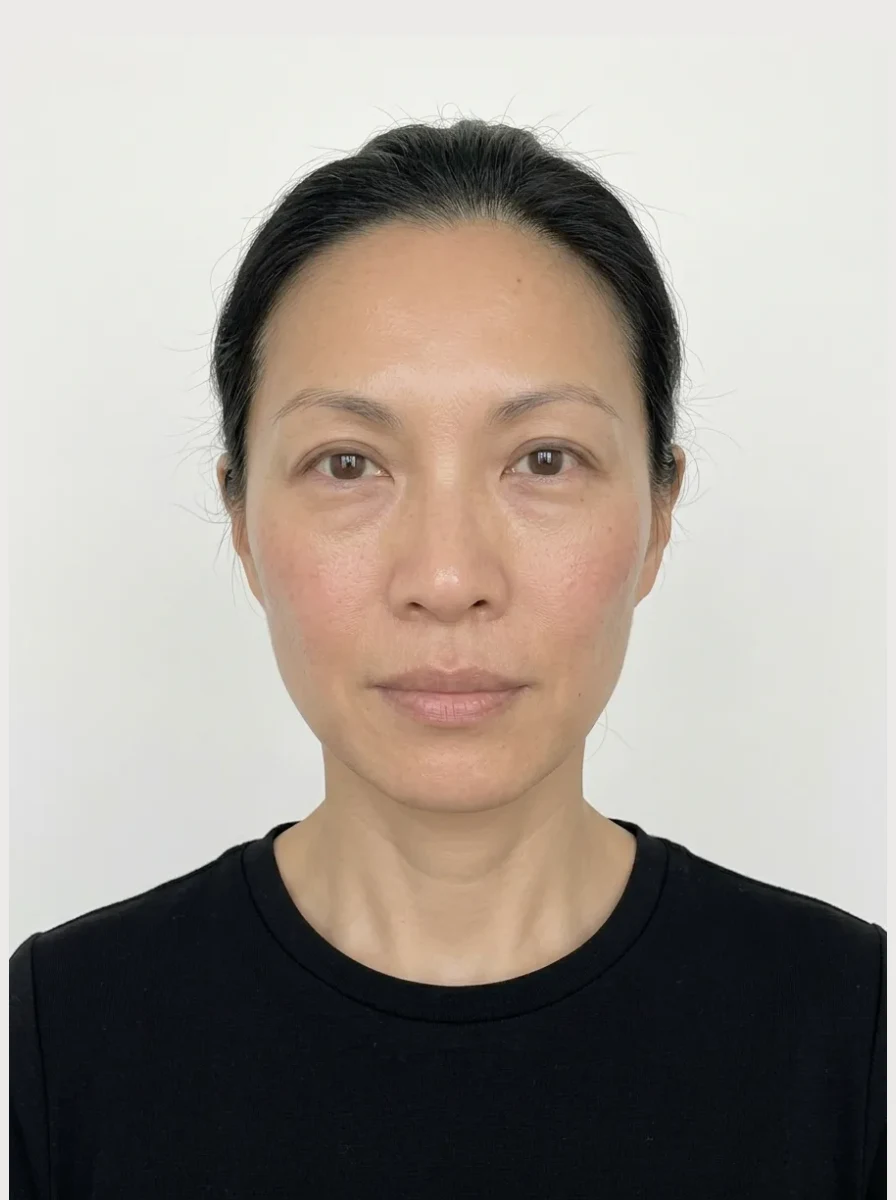
Expression lines only compare if the expression is repeated too. evooia has a guided view for the face at rest and for each expression, at the same angle and distance as the first photo.

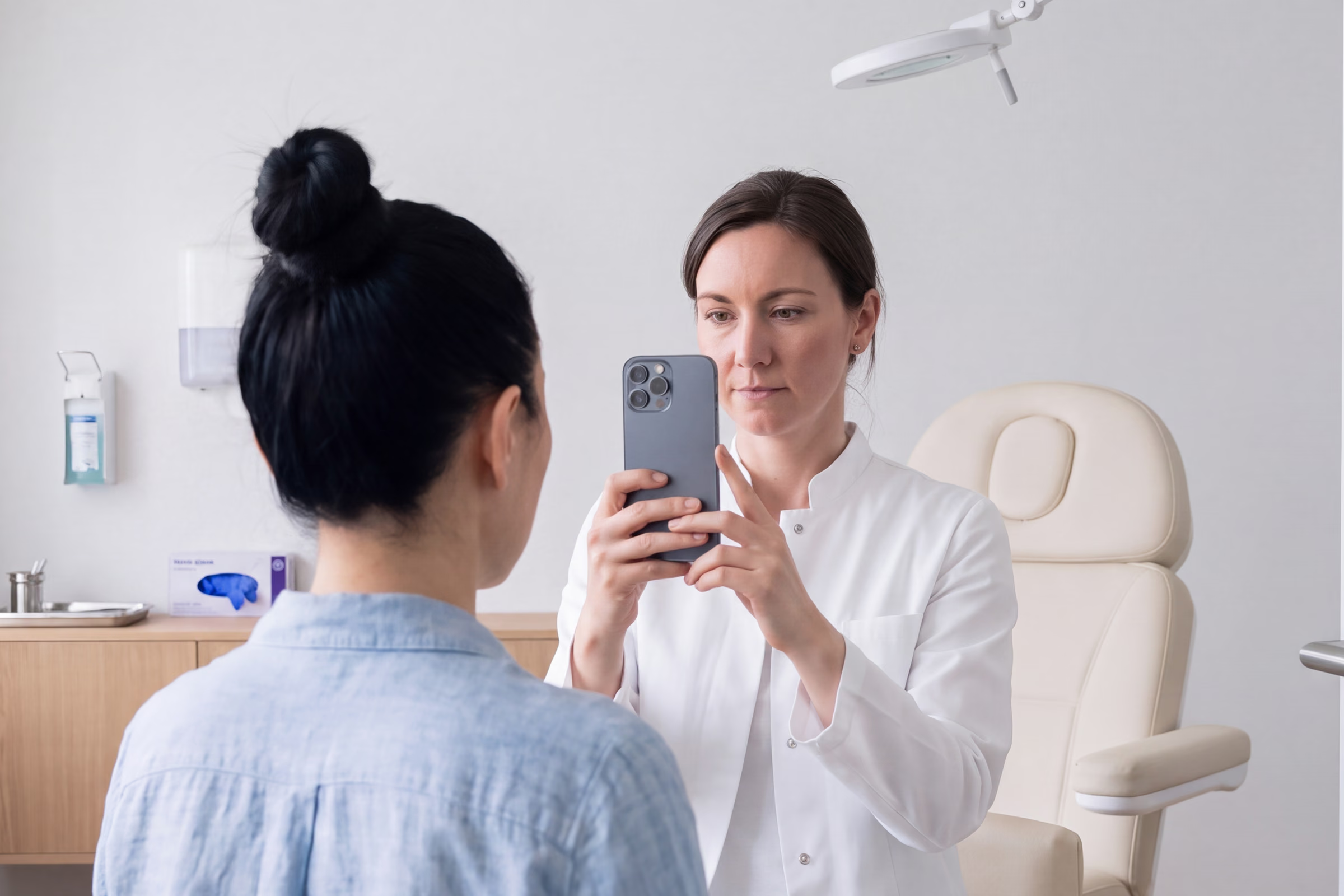
Comparable before-and-after photos for botulinum toxin, acne and laser.
Three treatments, each with the views that document it and a real before-and-after export from evooia.
Botulinum toxin
Expression lines only compare if the expression is repeated too. evooia has a guided view for the face at rest and for each expression, at the same angle and distance as the first photo.
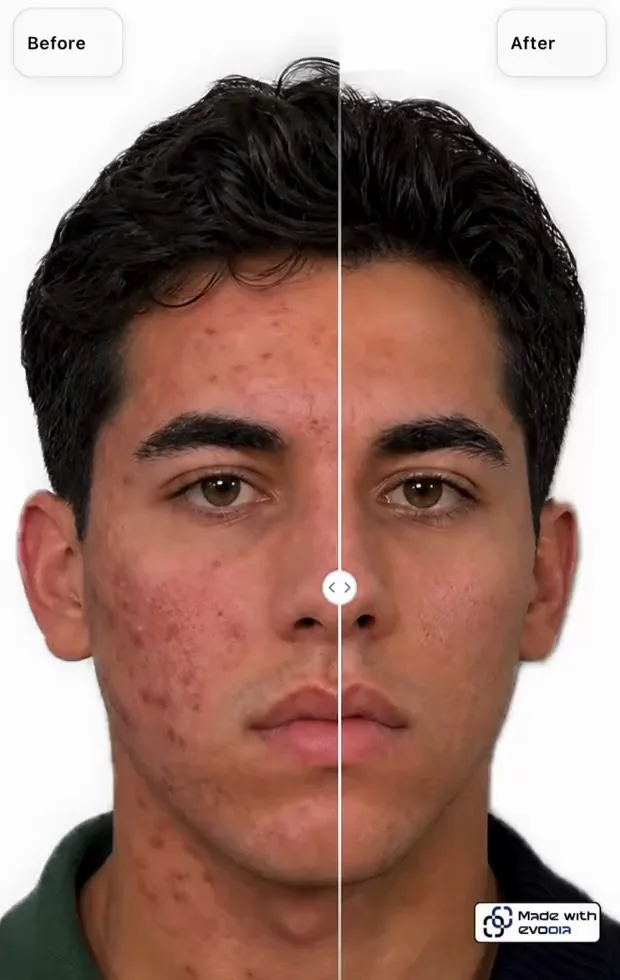
Acne and skin quality
Acne and texture look different in every light. The app holds the shutter while the light is too poor and repeats the same frontal and angled views, so the series shows the skin.
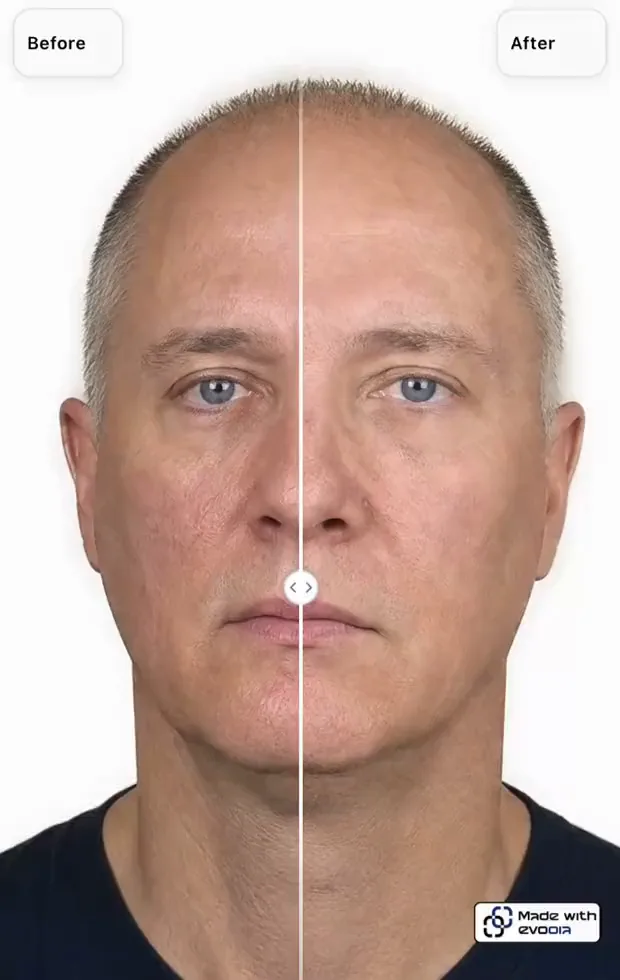
Laser
Redness, vessels and pigment only compare in the same light, at the same distance and framing. Each follow-up photo is guided against the first one and aligned to it automatically.
Nose and lips have guided views too: left and right profiles and a nose view for rhinoplasty, and a smile view for the lips.
With AlignedCapture™, before-and-after images are automatically matched in position, angle, and framing. Compare results instantly in slider, morph, stacked, or side-by-side view.
Guided face views, a light check and automatic alignment, on iPhone or iPad.