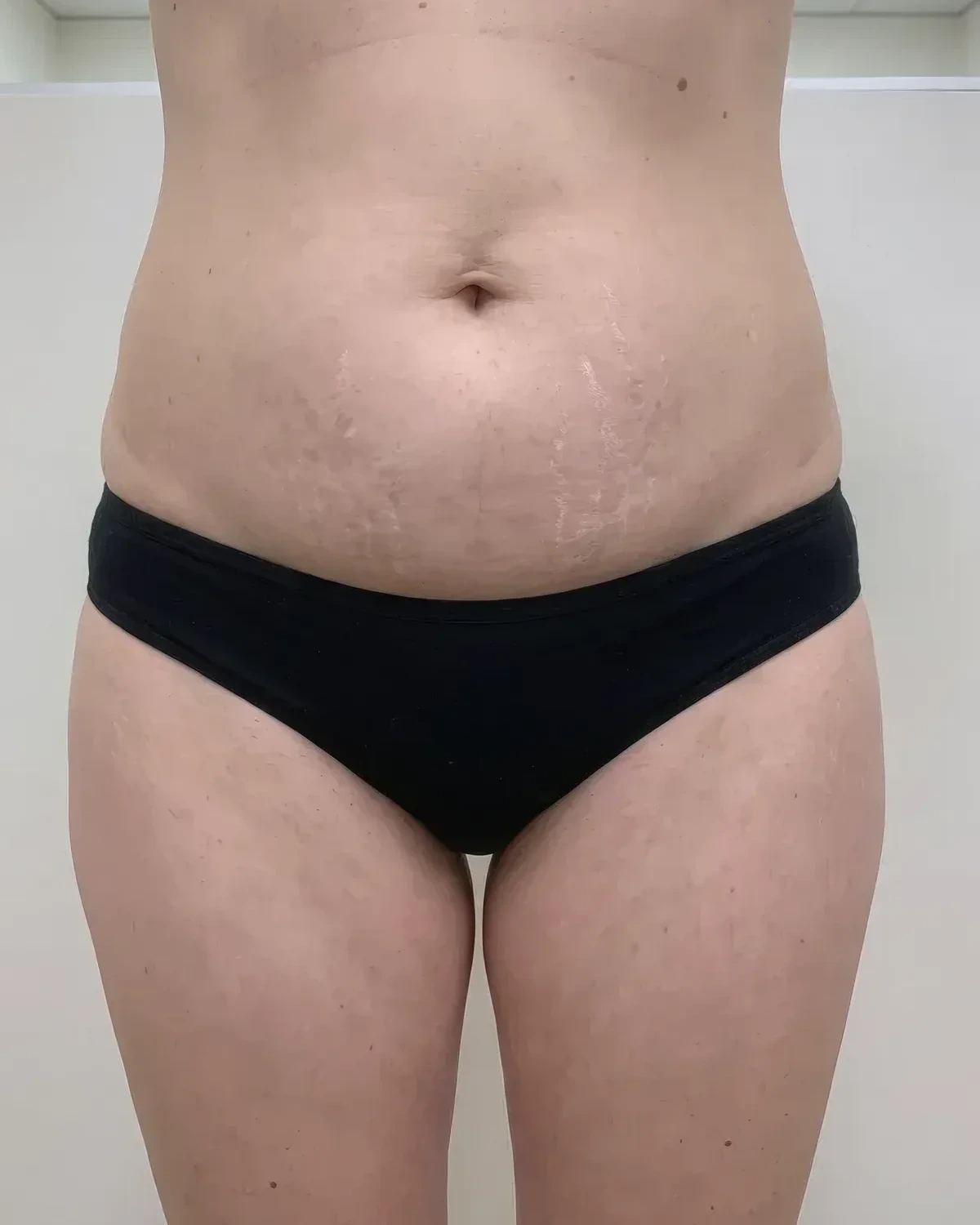
Surgical scars
The same scar, visit after visit.
Start with a photo of the area. The torso has guided views; any other scar uses free-form capture, guided against the first photo.

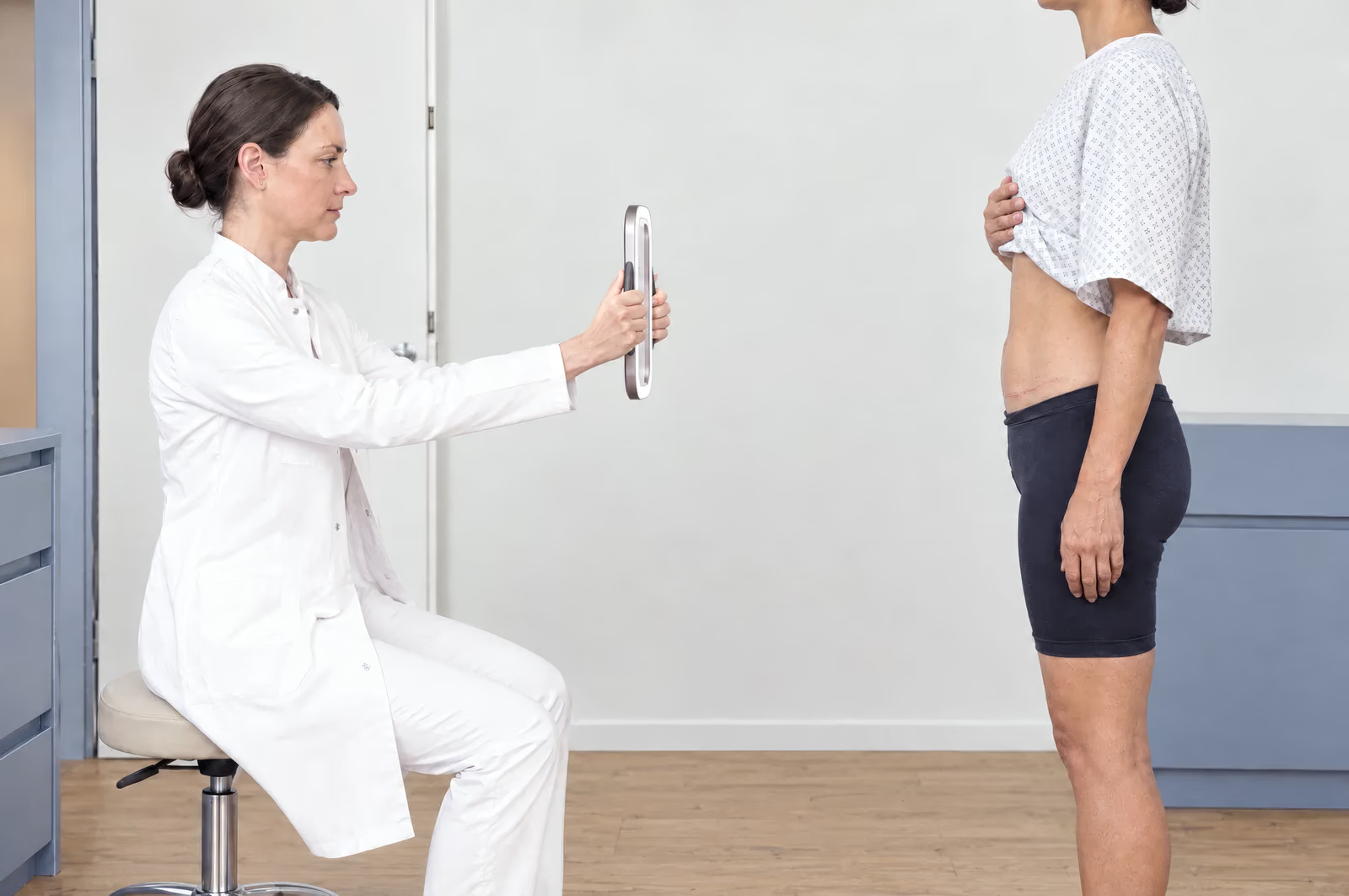
Free-form capture on iPhone, guided against the first photo.
Free-form capture covers any area: the first photo sets the frame for every follow-up.
Surgical scars
Start with a photo of the area. The torso has guided views; any other scar uses free-form capture, guided against the first photo.
Wound healing
For an area the clinic has already photographed, the patient takes the follow-up at home, by link or in the evooia app, guided against the first photo.

Any other area
Free-form capture is not tied to a template: any skin area can become a series.

Choose the area
Any skin area, no template needed.
Guided by the first photo
Light, distance and angle as in the first photo.
Aligned automatically
AlignedCapture™ aligns the photos as they are saved.
With AlignedCapture™, before-and-after images are automatically matched in position, angle, and framing. Compare results instantly in slider, morph, stacked, or side-by-side view.
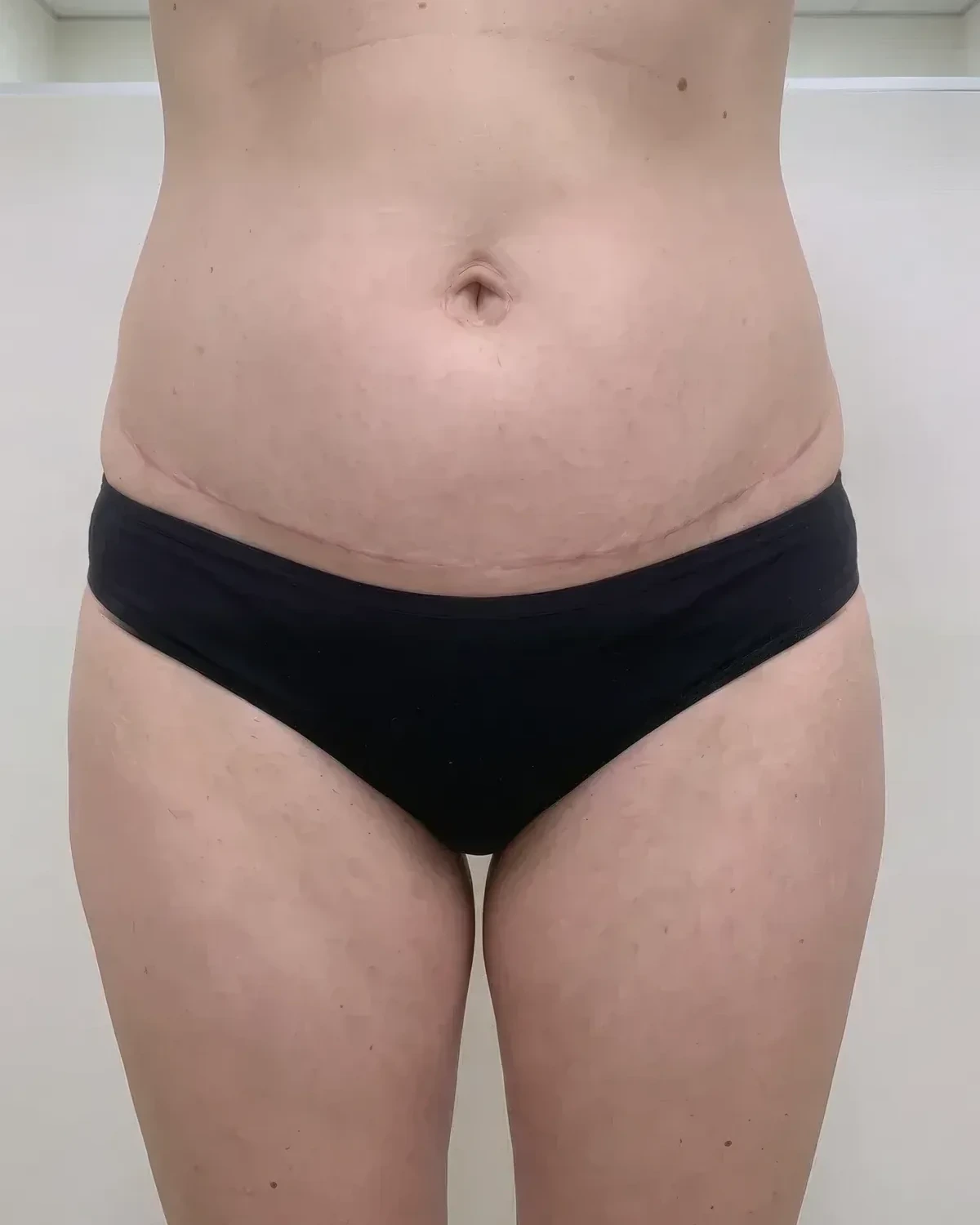
Free-form capture, guided against the first photo, on iPhone or iPad.