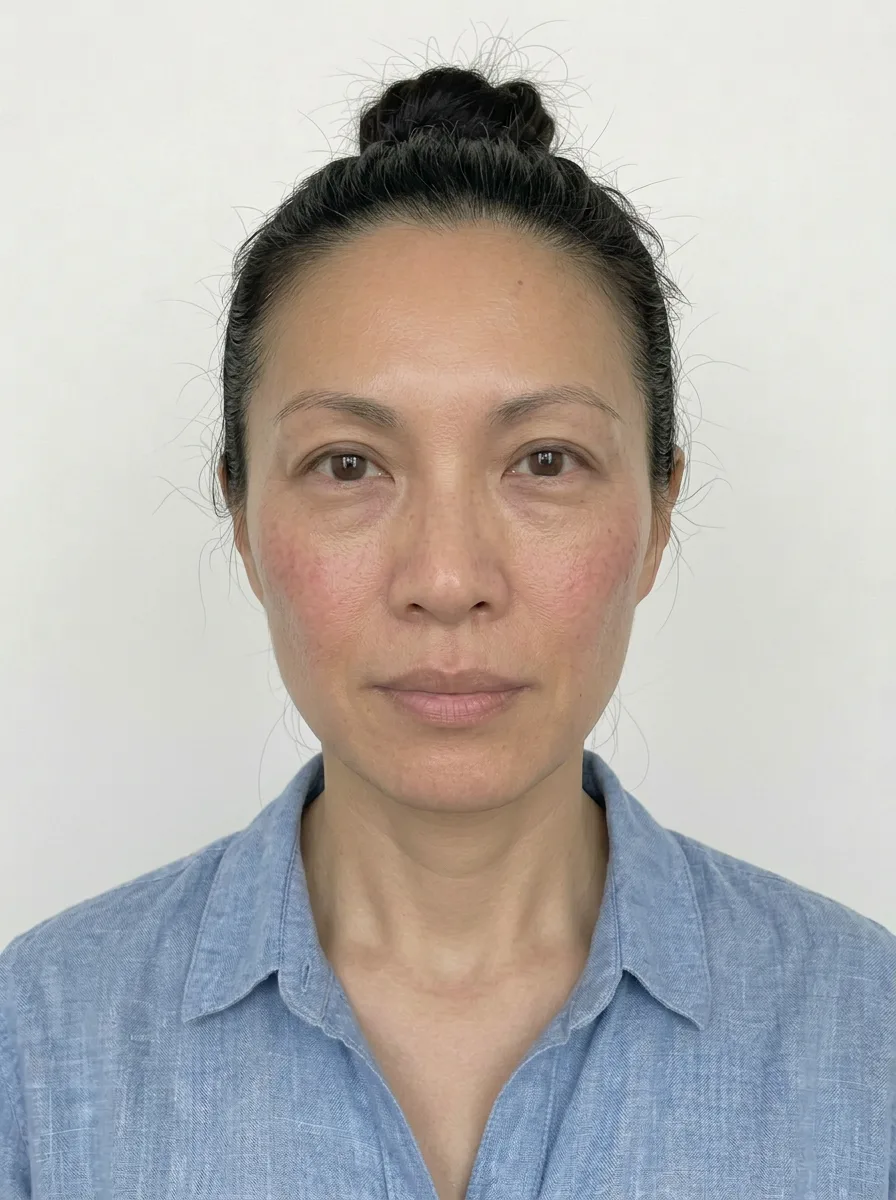
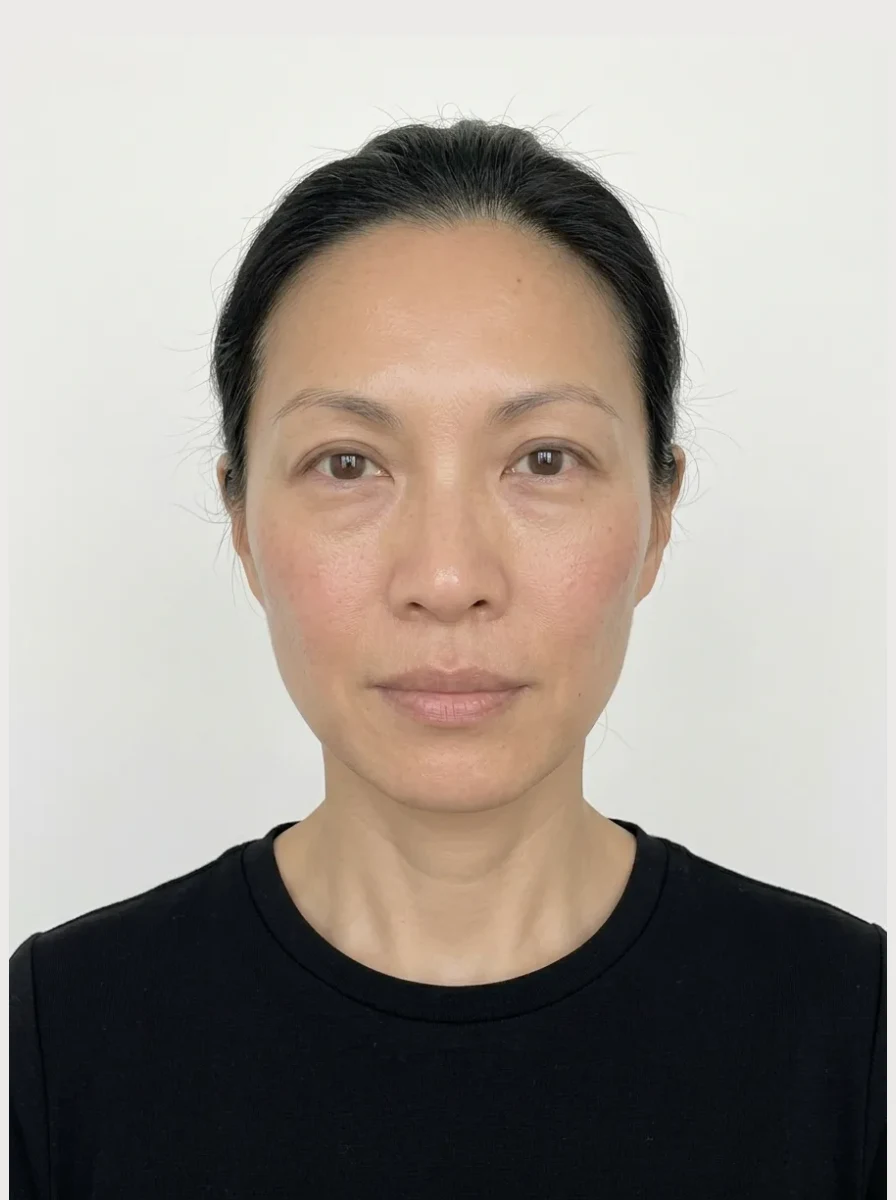
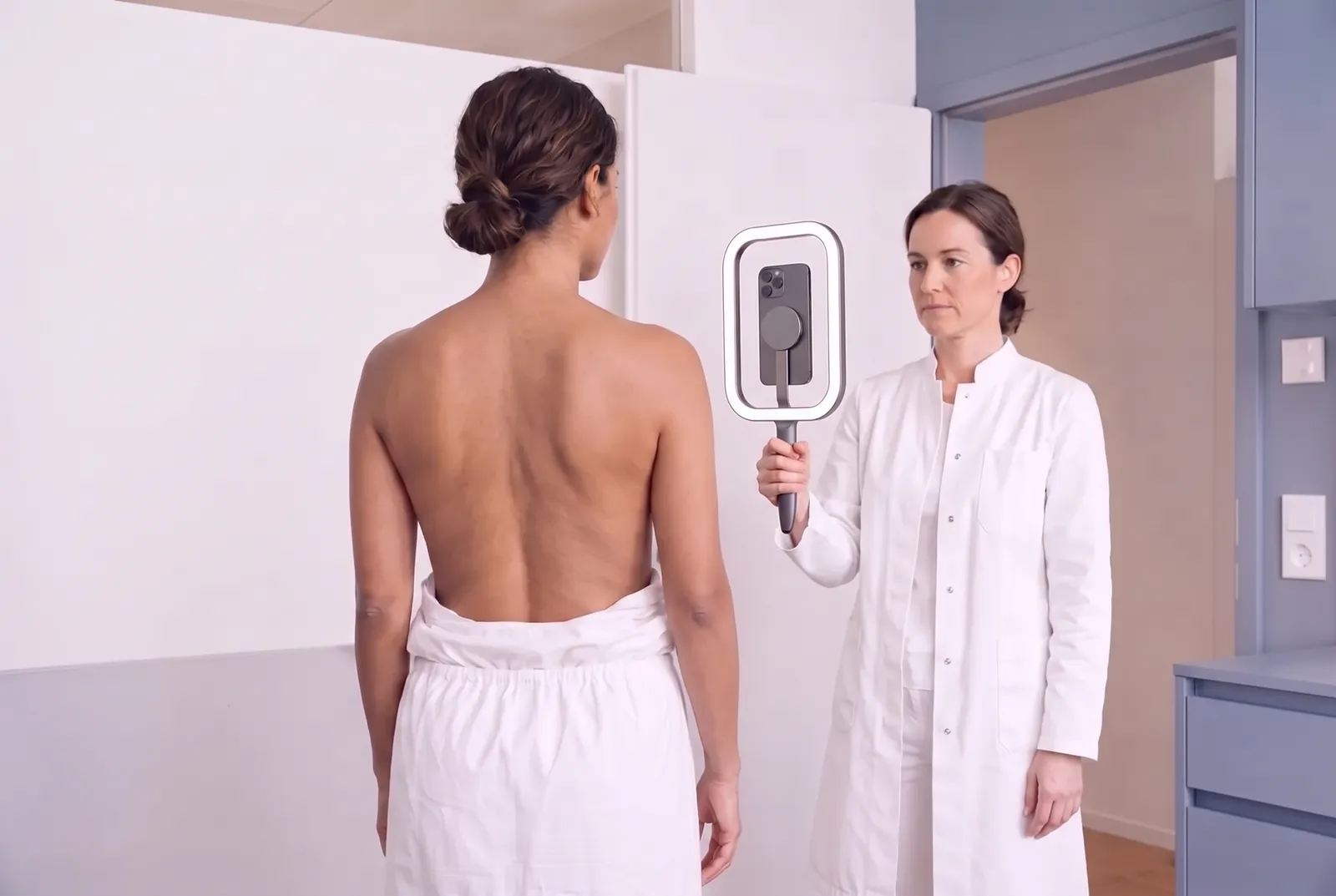
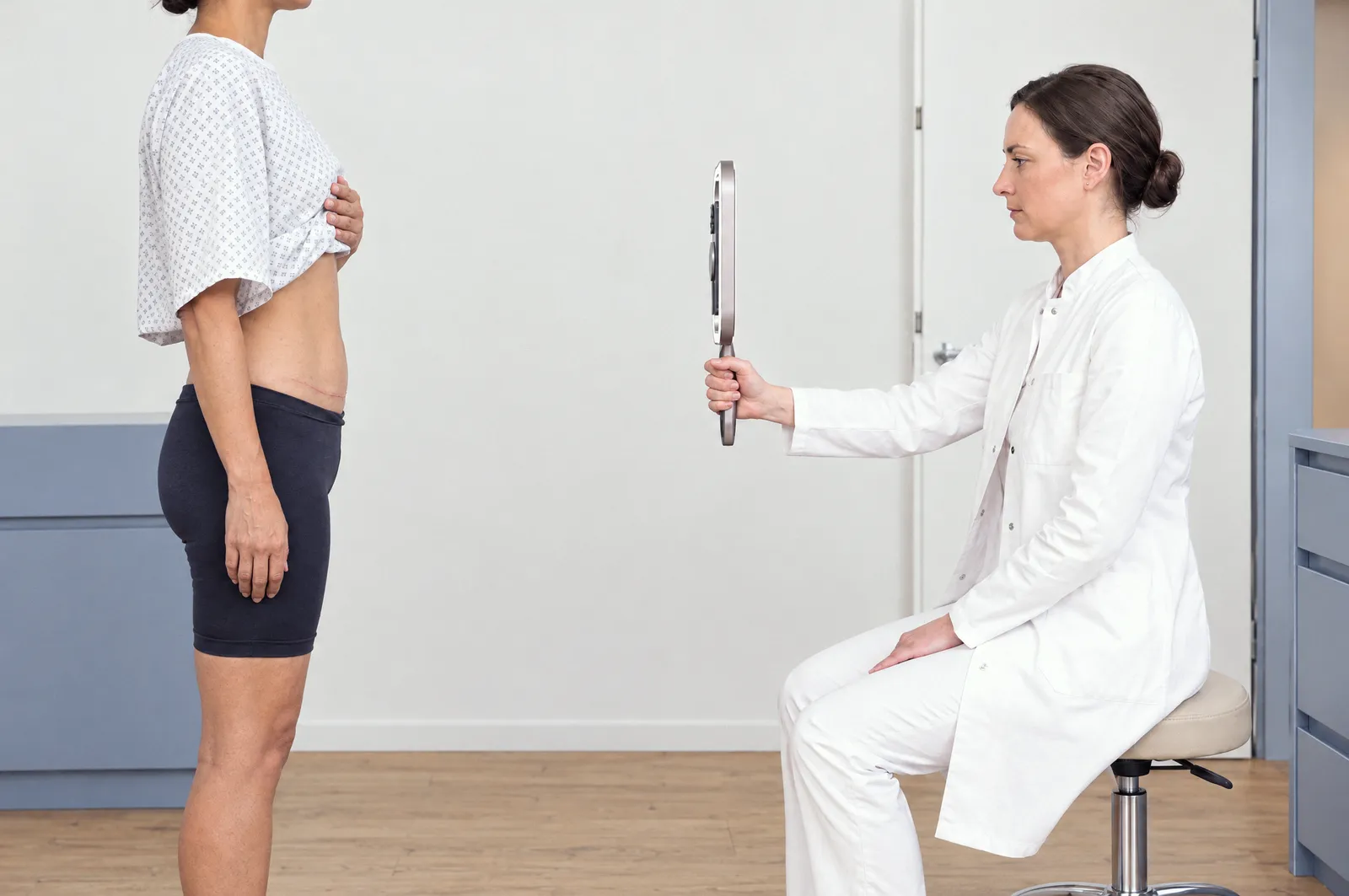
With AlignedCapture™, before-and-after images are automatically matched in position, angle, and framing. Compare results instantly in slider, morph, stacked, or side-by-side view.
On-screen guidance brings you back to the same position.
Guided capture
Breast
Torso views from the front and both sides
On-screen guidance brings you back to the same position.
Free captureBeta
Any area
Moles, scars or any other body part
The last photo overlays the camera so you can line it up again.
ALSO BUILT IN
Documented and organised, by default.
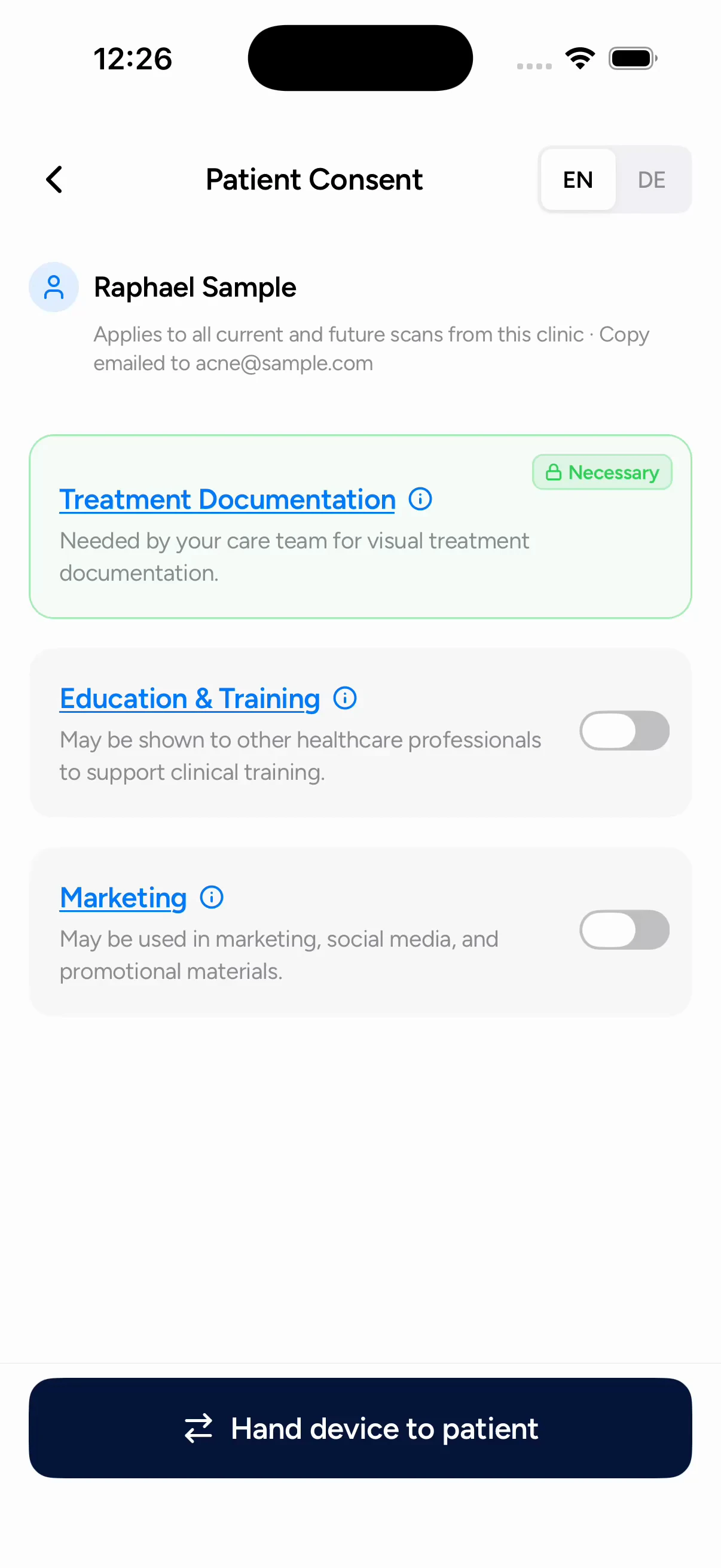
Consent management
Patient consent is recorded in evooia per purpose (documentation, education, marketing) and shown on the patient record. No separate forms, no chasing signatures.
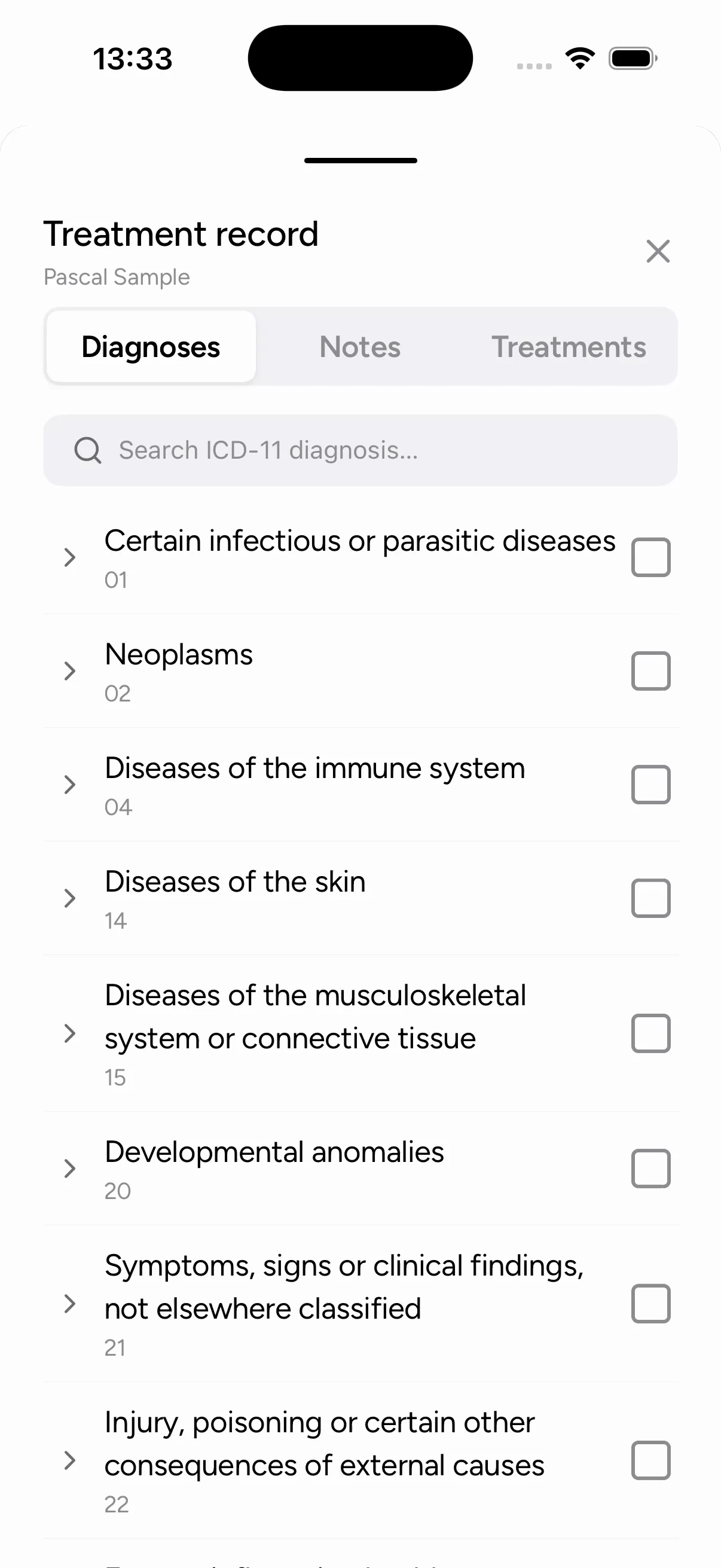
Treatment notes
Write notes directly in the app. Everything sits on one timeline per patient, in chronological order and easy to revisit.
Optional connected lighting
evooia Light, in development.
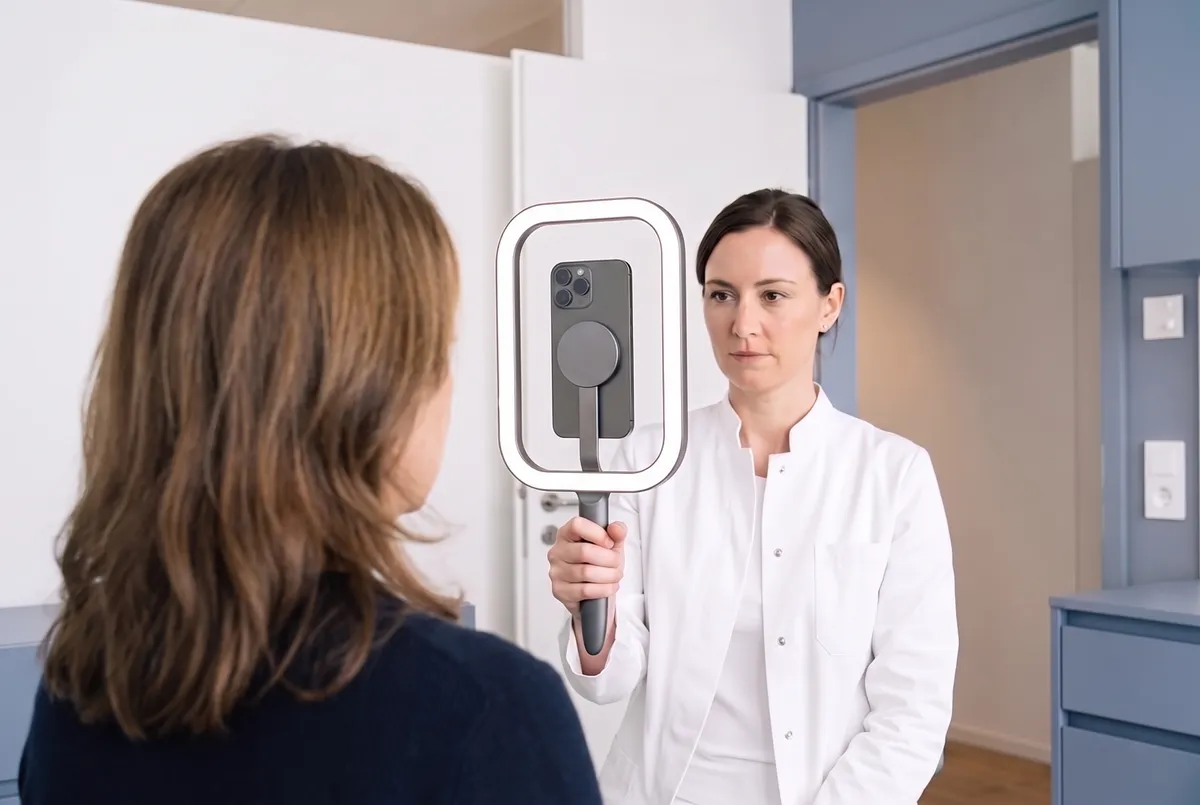
An optional capture light designed for the evooia app: controlled illumination for the same workflow. evooia works without it.
Guided capture gets it right the first time, per session.
Image editing
30min
from 30 minAutomatic
Background removal and alignment happen automatically.
Marketing assets
120min
from 2 hAutomatic
Before-and-after posts are generated for you, ready to share.
evooia at a glance
Frequently Asked Questions
How does evooia keep before-and-after photos comparable?+
AlignedCapture™ matches every image in position, angle, and framing as you shoot, so the before and after line up automatically. No manual alignment, no editing. SERALIQ™, evooia's reproducibility framework, defines the capture standard; AlignedCapture™ guides each follow-up capture against the baseline reference.
Which body areas can evooia photograph?+
Follow-up photos are comparable when four variables stay the same: lighting, distance, angle and framing, whatever the body area. evooia guides face views and torso views for the breast. Free capture (beta) covers any other area, such as moles, scars or wounds: the previous photo overlays the live camera so you can line up each new photo.
How do I photograph a scar or mole the same way at every follow-up?+
Keep the four variables the same: lighting, distance, angle and framing. In evooia, start the first photo with free capture. At each follow-up the previous photo lies over the live camera, so you line up distance, angle and framing before you take the next one, and evooia aligns the pair when it is saved.
Can patients take follow-up photos of a scar or mole at home?+
Yes. Patients repeat the photo from home in the evooia app, with the previous photo over their camera to line it up, and every follow-up syncs to the patient's timeline in the clinic.
Can I use evooia with a dermatoscope?+
Yes. Attach a clip-on dermatoscope to the iPhone and take the dermoscopic image in evooia, so it sits on the patient's timeline next to the standardised clinical photos of the same mole.
Can I compare breast surgery results?+
Yes. evooia guides torso views from the front and both sides, so before and after photos of breast augmentation, reduction, lift, implant exchange or reconstruction can be compared with a slider, side by side or as a morph video.
Can I document breast reconstruction at every stage?+
Yes. The same guided torso views are repeated at each stage, including reconstruction after mastectomy, so every step sits on one comparable timeline.
How do I standardise body contouring photos?+
Repeat the same torso views at every visit with the same lighting, distance, angle and framing. evooia guides position, distance and framing on screen, from the front and both sides, in a close or wider torso view, so photos before and after abdominoplasty or liposuction line up.
Can I document a scar after skin surgery on the face?+
Yes. Guided face views and skin-detail close-ups repeat the same framing at each follow-up, so the scar and the overall result can be compared over time.
Can I document facial expressions over time?+
Yes. evooia includes 13 standardised expressions, such as a smile, raised eyebrows or a frown, so each expression is photographed the same way at every visit.
Does evooia work without a separate camera or editing software?+
Yes. evooia runs on iPhone and iPad. Background removal and alignment happen automatically, so there's no editor, no manual cutout, and no extra equipment.
How does sharing drive referrals?+
Patients can share their standardised before-and-after results directly from the evooia app with friends and family in one tap. Because images are consistently lit, framed, and presented with clinic branding, shared results function as credible visual evidence, not informal snapshots. This supports trust-based referrals without requiring the practice to manage a separate content or marketing workflow.
Can I document skin reactions during radiotherapy?+
Yes. Photograph the treated area with free capture at each visit. The previous photo overlays the camera, so every image of the course is taken the same way and can be compared side by side.
Can I document wound healing with photos?+
Yes. Photograph the wound with free capture at each visit. The previous photo overlays the camera, so every photo is taken the same way and all of them sit on one timeline.
Does evooia offer its own capture light?+
Yes. evooia Light, an optional capture light designed for the app, is in development and early access is open to clinics. evooia works without it on the iPhone or iPad you already use.
GET STARTED
Standardise your before-and-afters.
Capture your first aligned, comparable result in minutes, on the iPhone or iPad you already use.